
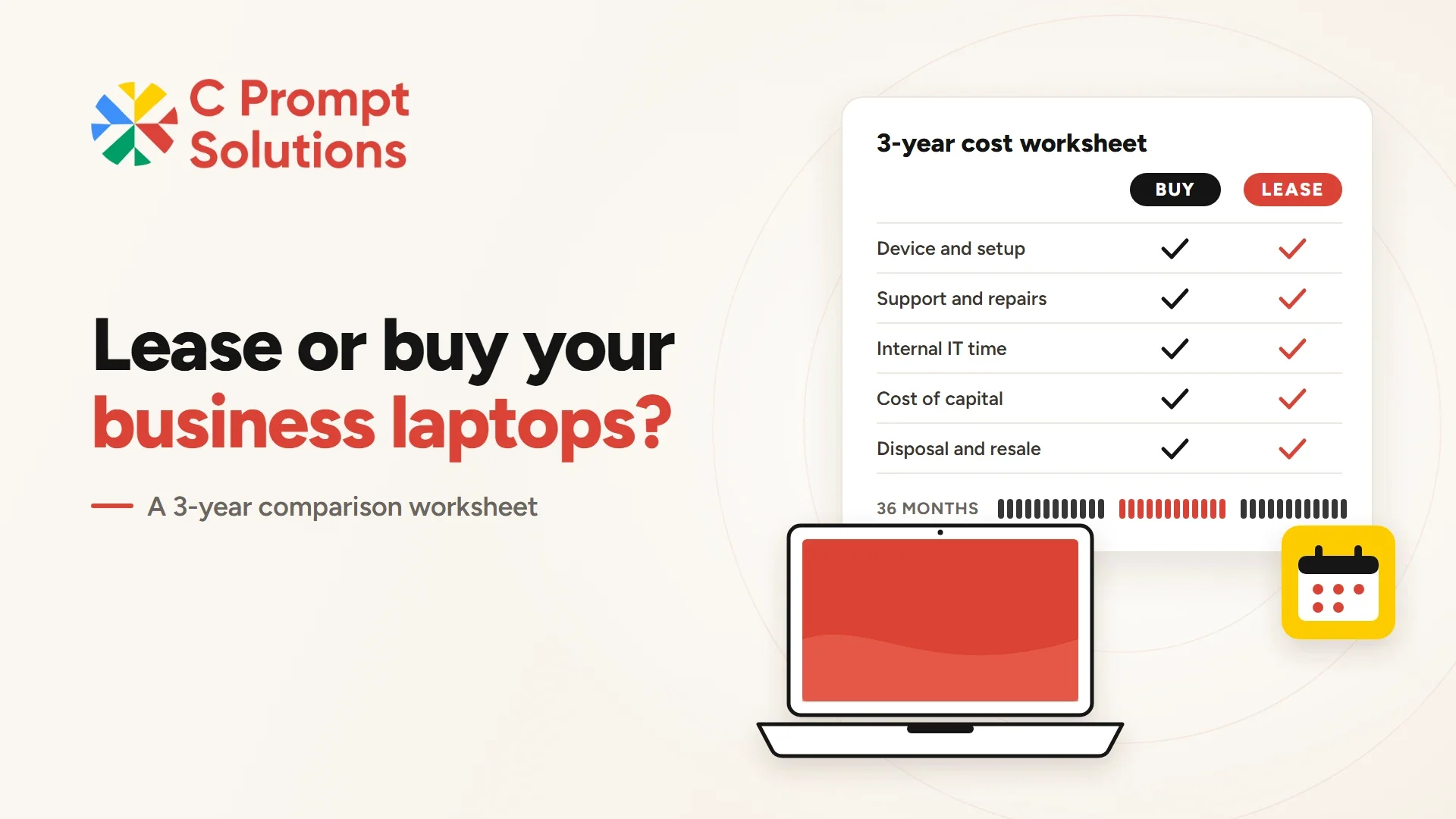
Whether to lease or buy laptops is rarely decided by the purchase price. It is decided by everything that happens after the invoice: three years of support, repairs, spare units, staff time, cash tied up in the asset, and what the devices are worth when they come back. Put those costs side by side and the answer for your own fleet usually becomes clear.
This guide gives finance and IT heads a 3-year comparison worksheet. Fill in the buy column from your own purchase and support records, fill in the lease column from a written quote, and compare totals on the same scope. Neither option is right for every business, so the worksheet is built to show where yours falls.
Why three years is the right comparison window
Three years is the period your accounts already use. Under Schedule II of the Companies Act, 2013, the indicative useful life for end-user devices such as desktops and laptops is three years. Business laptop leases are commonly written for two to five years, and a 36-month term lines up with that useful life, so a 3-year window compares like with like.
A shorter window flatters leasing, because the bought laptop has not finished paying back. A longer one flatters buying, because it ignores that an older machine usually costs more in repairs, downtime and lost user time. If your business genuinely keeps laptops for five years, run the worksheet over five years instead and add a larger repair line.
What does owning a laptop really cost over three years?
The purchase invoice is only the first line. A laptop you own also carries the work and spending that keep it usable until it is retired. Before you decide to lease or buy laptops, list each of these separately, because they are exactly the costs a lease quote may or may not include.
- Purchase price: the device, charger, bag and any docking station, before GST.
- Setup: imaging, software installation, asset tagging and delivery to the user's desk.
- Support cost beyond warranty: extended warranty or a maintenance contract for the years the standard warranty does not cover.
- Repairs and spares: batteries, keyboards, chargers and a pool of spare units so a failed laptop does not stop work.
- Internal IT time: hours spent on deployment, fault logging, vendor follow-up and reassigning devices when people join or leave.
- End of life: data wiping, the record that proves it was done, and disposal or sale.
- Resale value: what the device realistically fetches at month 36, entered as a deduction.
Most businesses have the purchase price to hand and estimate everything else loosely. The more honestly those lines are filled in, the more useful the comparison becomes.
What goes into the lease column
A lease turns the same laptops into a fixed monthly payment for an agreed term. The payment itself is easy to compare. What needs checking is the scope around it, because two lease quotes with the same monthly figure can cover very different amounts of work.
- Monthly payment over the term: the full 36 months, not one month.
- One-time charges: setup, delivery or configuration, if quoted separately.
- Support and replacement scope: what is repaired or swapped, and within how many business days.
- Mid-term changes: how additional laptops are added and priced.
- End of term: return condition, damage charges, early exit terms and who wipes the data.
- Remaining internal IT time: the work your team still does with a lease in place.
Our laptop lease agreement guide covers the clauses for additions, exits and renewal in more detail.
The 3-year lease or buy laptop worksheet
To compare whether to lease or buy laptops fairly, use one row per cost and one column per option. Enter totals per laptop for the full 36 months, then multiply by fleet size at the end. Where a line is covered by the lease, write "included" rather than zero, so the reviewer can see it was checked.
| Cost line | Buy: what to enter | Lease: what to enter |
|---|---|---|
| Device and accessories | Purchase price per laptop | Monthly payment × 36 |
| Setup and deployment | Imaging, tagging and delivery cost, or staff hours | One-time charge, or "included" |
| Support beyond warranty | Extended warranty or maintenance contract | Support scope stated in the quote |
| Repairs and spare units | Expected parts plus a share of the spare pool | Replacement terms and any limits |
| Internal IT time | Hours × internal hourly cost | Hours that remain with your team |
| Cost of capital | Cash paid upfront × your borrowing or opportunity rate | Usually small, since payments are spread |
| Data wipe and disposal | Wiping, records and disposal cost | Return process and who issues the wipe record |
| Resale value at month 36 | Deduct a realistic resale or buyback value | Not applicable; devices are returned |
| Total per laptop | Sum of the lines above | Sum of the lines above |
Have finance own the cost-of-capital and resale lines, and IT own setup, support and internal time. A worksheet signed off by both is easier to defend than a decision made on the monthly figure alone.
Work through an illustrative example
Hypothetical figures to show the arithmetic, not benchmarks or prices. Take the purchase price of one laptop as ₹100. Suppose extended support for years two and three adds ₹8, setup and internal IT time add ₹7, repairs and spares add ₹4, data wiping and disposal add ₹1, and the cost of tying up ₹100 for three years adds ₹15. Against that, resale at month 36 returns ₹10.
The ownership cost is ₹100 + ₹8 + ₹7 + ₹4 + ₹1 + ₹15 − ₹10 = ₹125 for every ₹100 of purchase price. A lease quote covering the same scope is then compared against ₹125, not against ₹100. If the lease leaves setup or repairs with your team, add those lines back to the lease column before comparing. Replace every placeholder with your own records; the method matters, not these numbers.
Capex vs opex: how IT spend shows up in your accounts
Buying a laptop is capital expenditure. The device goes on the fixed asset register and is depreciated: over its useful life in the books, and as part of the computers block for income tax, where depreciation on computers has commonly been allowed at 40% of written-down value. Your chartered accountant should confirm the current treatment under the Income-tax Act, 2025.
A lease moves the spend into regular monthly payments. For companies that follow Indian Accounting Standards, Ind AS 116 generally brings leases onto the balance sheet as a right-of-use asset, but it lets a lessee expense leases of low-value assets, and its guidance gives personal computers as an example. Whether your laptop leases qualify is a judgement for your auditor. Treat the capex vs opex IT question as a reporting preference, not as a saving in itself.
GST and cash flow: same rate, different timing
Laptops attract GST at 18%, and lease rentals for them are taxed at 18% too. A GST-registered business using the laptops for its business can generally claim input tax credit either way, so GST rarely changes the lease or buy laptop answer. What changes is timing. Buying 50 laptops means paying the full price plus GST upfront and recovering the credit later; a lease spreads both the payment and the GST across monthly invoices.
That timing is the cash flow argument for leasing. Money that would have gone into hardware stays available for hiring, inventory or projects. If your business has spare cash and a low cost of capital, the argument weakens, which is why the cost-of-capital line sits in the worksheet.
Refresh timing and the laptops kept too long
Refresh timing is where many lease or buy laptop comparisons go wrong. Bought laptops tend to stay in service past their best, because replacing them needs a fresh budget. Slow machines, failing batteries and out-of-support operating systems then cost user time that never appears on an invoice. A lease ends on an agreed date, so refresh timing is planned at signing rather than argued for later.
Buying gives the opposite flexibility: you can keep a reliable machine for a fourth or fifth year at little extra hardware cost. If your users' work is light and your devices age well, that is a genuine advantage. Our guide to leasing laptops for a business fleet covers how to plan refreshes across a lease term.
When does buying laptops make more sense?
Buying usually wins when most of these are true:
- Your team keeps laptops for four years or more, and the work does not need newer hardware.
- An internal IT team already handles imaging, repairs and disposal efficiently.
- Cash is available and your cost of capital is low.
- Headcount is stable, so you rarely add or return devices mid-year.
- Security policy requires that devices, or their drives, never leave your control.
When does leasing laptops make more sense?
Leasing usually wins when most of these are true:
- You want a fixed monthly cost and cash kept free for the business.
- Headcount is growing or changing, so devices need to be added during the term.
- You want a planned three-year refresh that matches the useful life in your books.
- Your IT team is small and would rather not run setup, spares and disposal internally.
If you want those support tasks handled as part of the contract as well, compare the lease against Device as a Service. Our DaaS and leasing comparison shows which tasks each model covers.
Rent vs buy laptop: when the need is short
Leasing and buying both assume a multi-year need. For a project, a training batch or temporary staff, the rent vs buy laptop question is different, because the device is needed for months rather than years. Monthly laptop rental runs from a one-month minimum and the devices go back when the work ends. Our 3, 6 and 12-month rental planning guide helps size that decision.
Frequently asked questions
Is it cheaper to lease or buy laptops for a business?
It depends on what your ownership costs include. On purchase price alone, buying usually looks cheaper. Once support, internal IT time, spares, disposal and the cost of capital are added and resale value is deducted, a lease covering the same scope can come out close or lower. The worksheet above shows which applies to you.
How long is a typical laptop lease?
Business laptop leases are commonly written for two to five years. A 36-month term matches the three-year useful life that Schedule II of the Companies Act, 2013 indicates for end-user devices such as laptops.
Can we claim GST input tax credit on leased laptops?
A GST-registered business using leased laptops for its business can generally claim credit for the GST charged on lease invoices, as it would on a purchase. Confirm eligibility for your specific case with your tax adviser.
Is a laptop lease an operating expense?
Often, yes. Companies following Ind AS 116 generally recognise leases on the balance sheet, but may expense leases of low-value assets such as personal computers. Companies outside Ind AS follow their own applicable standard. Your auditor decides how your specific leases are treated.
What happens to the laptops at the end of a lease?
They are returned, renewed or replaced with new devices, depending on the agreement. Check the return condition terms, early exit terms and who issues the data-wipe record before signing.
Should a startup lease or buy laptops?
Startups with changing headcount and limited cash often prefer leasing or rental, because devices can be added as hiring happens and cash stays in the business. A startup with stable funding and a capable IT person may still find buying cheaper over three years.
The lease or buy laptop decision comes down to a fair comparison over the same three years and the same scope. Fill in the buy column from your own records, ask for a lease quote that states its scope line by line, and let the totals decide.