Mac mini or MacBook: Which Fits Your Office?
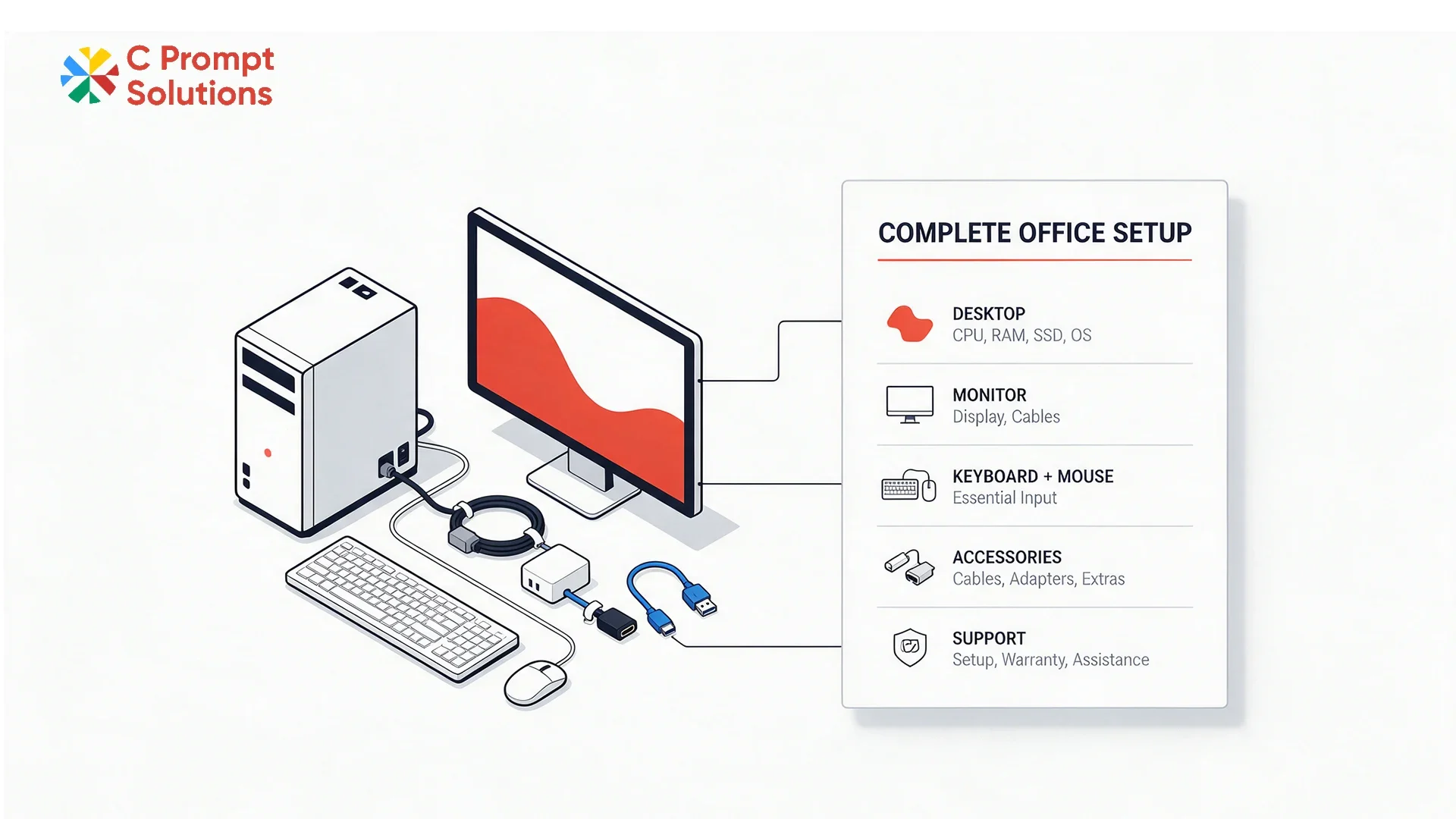
Decide which roles need fixed Mac mini desks and which need portable MacBooks. Compare complete office setups, including displays, input devices, meeting equipment and working locations.
Read the guidePractical guidance for the people choosing, managing and paying for workplace technology.


Decide which roles need fixed Mac mini desks and which need portable MacBooks. Compare complete office setups, including displays, input devices, meeting equipment and working locations.
Read the guide
Define Power BI authoring roles, model connections and refresh tasks, then compare laptop configurations with a repeatable report and workload pilot.
Read the guide
Build a finance laptop brief around real Excel models, accounting applications, add-ins and desk requirements, then test representative tasks before assigning the fleet.
Read the guide
Write a MacBook requirement around the development team’s tools, containers, emulators and real project workload. Keep the exact configuration and customer-led acceptance task together.
Read the guide
Choose Mac or Windows by checking the applications, files and connected equipment each role needs. Use a practical compatibility matrix before standardising a business fleet.
Read the guide
Choose a laptop and desktop mix around where people work, the applications they use and the complete desk equipment each group needs.
Read the guide
Build a clear rental requirement from role workloads, application needs, displays and mobility, then approve configurations before comparing offers.
Read the guide
Choose rental laptops from their documented fit with your company build, desk connections and support needs, using one comparison sheet for every model.

Read the guide
Comparing desktop rental prices? Check monitor inclusion, keyboard and mouse, software build, installation and support scope- not the tower alone.
Read the guideShare your devices, quantity and cities. We’ll help you choose the right rental, lease or DaaS plan.