
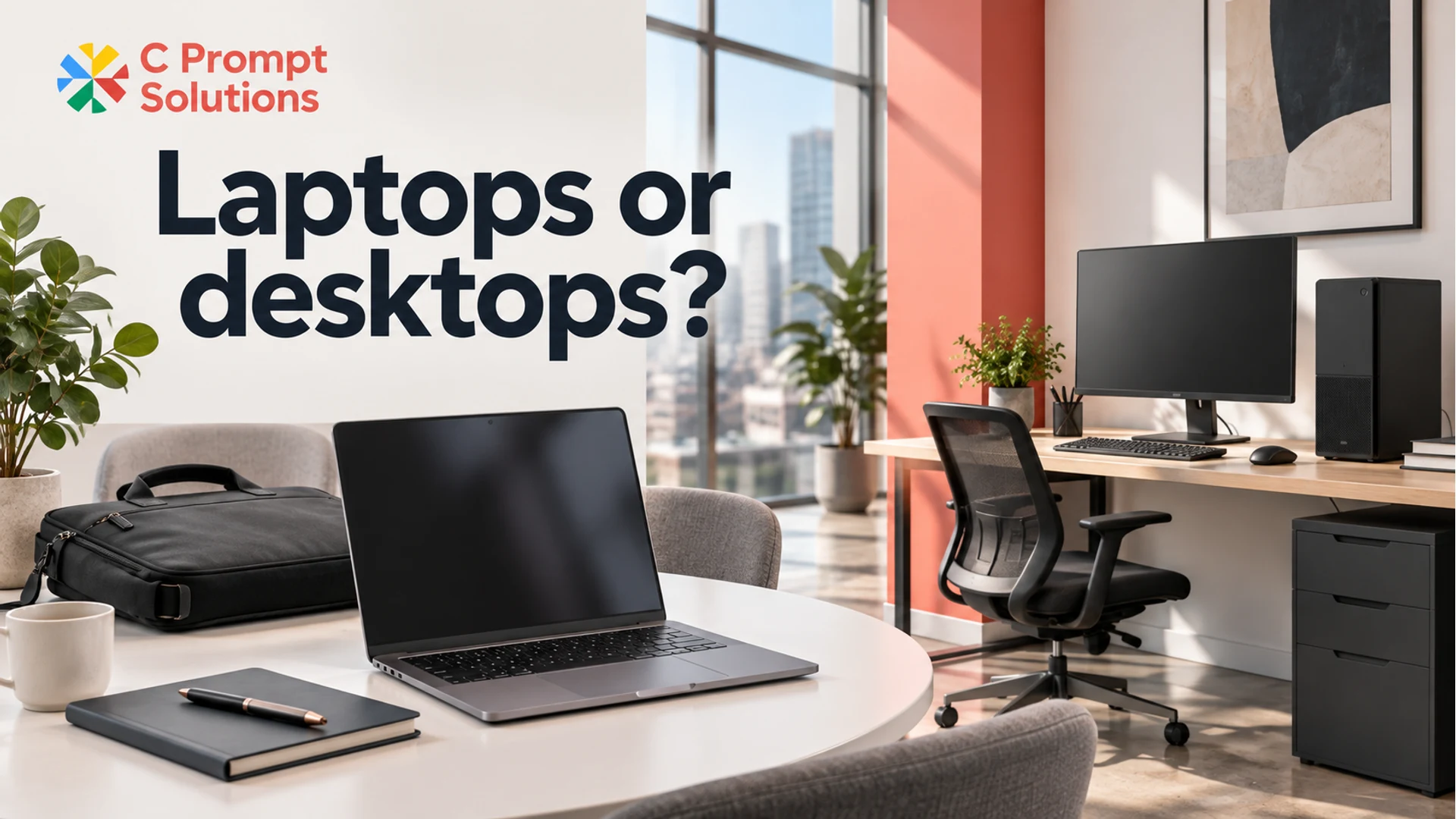
Rent laptops for employees who need to take their work between locations. Consider desktops for work that stays at a dedicated desk. Where your teams have different patterns, request a mixed fleet instead of making one form factor serve every role.
Choose between laptops and desktops for your business before requesting quotes. First decide where the work happens and what the complete setup must include. Then check that the proposed configurations can run the applications and connect to the equipment each group uses.
A portable device and a fixed desk can both be valid choices. The useful outcome is a device mix with a reason behind every group, clear accessory requirements and an agreed plan for how the equipment will be used.
Decide who needs to carry their work
Begin with actual movement. Identify people who work from multiple locations, visit clients, move between sites or need their own device in meetings. Then identify roles whose work stays at one assigned desk. Do not assume that a whole department shares one pattern.
Dell's desktop and laptop comparison highlights portability, workspace, performance needs and upgrade potential as selection factors. Laptops combine the computer, display and battery in a portable device. A desktop setup makes a different trade-off around a fixed working position.
Ask whether mobility is an everyday requirement or an occasional exception. A team that sometimes works from another location needs an agreed way to do that, but it does not automatically follow that every fixed desk requires a portable computer. Equally, a laptop kept at a desk all week may still be justified by a real requirement to move it.
Record the decision in a sentence. “This group moves between the office and project locations” is useful. “Laptops are more modern” does not explain a business need. Keep the requirement separate from individual preferences until you have assessed both.
Compare complete working setups
A laptop-only offer and a complete desktop bundle describe different scopes. Decide what each user needs to start work before comparing them. Include the display arrangement, keyboard, mouse, headset, cables and any dock or other accessory that the approved setup requires.
For a laptop used at a desk, check the actual combination of external displays, connections and charging. For a desktop, check the complete monitor and peripheral list, available desk space and where the computer will sit. Ask who supplies each item and which existing accessories your company intends to reuse.
| Requirement | Laptop setup to define | Desktop setup to define |
|---|---|---|
| Working location | Places the device must travel and be used | Assigned desk or approved fixed position |
| Displays | Built-in screen plus required external connections | Required monitor count, sizes and connections |
| Accessories | Charger, desk peripherals and dock where needed | Keyboard, mouse, headset and other desk equipment |
| Company setup | Approved software and use across locations | Approved software and use at the fixed desk |
| Acceptance | Application and peripheral checks for the proposed build | Application and full-desk checks for the proposed build |
Use the complete office desktop quote guide when reviewing what belongs in a fixed-desk offer. A useful comparison keeps accessory and setup assumptions visible instead of comparing two incomplete headline figures.
Check applications before choosing the form factor
Portability answers where a device is used. It does not establish whether a particular configuration is suitable for the workload. List the applications, versions, concurrent tasks and representative files for each group, then assess the actual laptop or desktop being proposed.
Avoid the blanket rule that desktops are always faster or that laptops are only suitable for light office work. Ask for the exact processor, memory, storage and graphics configuration where relevant. Review it against current application requirements and the work your users need to complete.
Specialist applications need a separate technical review. If a role requires a workstation-class configuration, settle that requirement with the application owner rather than treating a standard desktop as the default upgrade from a laptop. This article's decision is portability versus a fixed desk; it is not a workstation sizing guide.
Consider future changes you already know about, such as an approved application rollout or an expected change in work location. Specify those needs in the brief. Do not add capacity or a different device class for an undefined future requirement that nobody can explain or assess.
Build a mixed fleet around clear groups
A mixed fleet can follow a straightforward rule: give each group the form factor its work needs, with a defined configuration and accessory list. The aim is a manageable set of choices rather than one exception for every employee.
For an illustrative 30-person office, procurement might identify 18 people who work at fixed desks and 12 who regularly move between locations. That is a starting point for asking about desktops and laptops separately, not a recommended ratio. Application requirements or an agreed change in working pattern could change the mix.
Use three questions to review each group: must the computer move, what work must it run, and what equipment completes the setup? If the answers differ within a group, split it before requesting quotes. If two groups share the same answers, consider whether one accepted configuration can cover both.
Also define shared desks carefully. A shared physical desk does not settle account access, application licensing or responsibility for the device. Ask the relevant company owners to approve how it will be used. Equipment procurement should record those decisions rather than assume them.
Keep a named owner for any exception. If one user needs a laptop while colleagues use desktops, record the work requirement and the approved setup. This gives the receiving and support teams a clear reference without forcing them to reconstruct the purchasing decision later.
Prepare a separate requirement for each setup
Give suppliers quantities by device group, not only a total headcount. For each group, list its applications, accepted hardware criteria, display and peripheral needs, intended duration and actual receiving locations. State which items are already available at your sites.
Ask for the exact proposed configuration and an itemised list of what is included. Where a supplier suggests another model or form factor, compare it with the same requirements. A substitute that matches memory capacity may still change a display connection, the desk footprint or a mobility requirement.
Consider support and permitted changes before accepting an offer. Dell's upgrade guidance describes model-dependent upgrade considerations. That does not mean a rented desktop may be modified: any upgrade or configuration change needs to fit the agreement with its owner.
For desktop and monitor rental, describe the complete fixed desk. For business laptop rental, describe both mobile use and any desk equipment required. A mixed enquiry can include both groups while keeping their quantities and acceptance criteria separate.
Plan C Prompt monthly rental requirements for at least one month. Ask the team to confirm proposed configurations, availability, locations and service scope for the intended period. The device mix should remain clear even if a supplier proposes a different term or alternative hardware.
Frequently asked questions
Are laptops or desktops better for a business?
Choose from the working pattern and application requirements. Laptops suit a requirement to carry the device between locations. Desktops can suit an assigned working position. Check the actual configurations and complete desk equipment before deciding; many businesses have a valid reason to request both.
Is a desktop always the cheaper rental option?
Compare itemised offers for the same required work and period. A desktop bundle and a laptop-only figure may include different equipment or services. Define displays, accessories and setup requirements first, then evaluate the quoted scope. Do not assume a price advantage from the form factor alone.
Can one rental enquiry cover laptops and desktops?
Describe the mixed requirement and ask the supplier to confirm its proposed scope. Provide separate quantities, configurations and accessories for each group, together with locations and duration. This makes it easier to review the response without losing the requirements of either setup.
What if the team's working pattern may change?
Describe the expected change and when it might happen. Ask how the proposed agreement would handle a different quantity or configuration, rather than assuming a swap is included. Keep the current requirement and the possible future change separate so each can be discussed explicitly.