
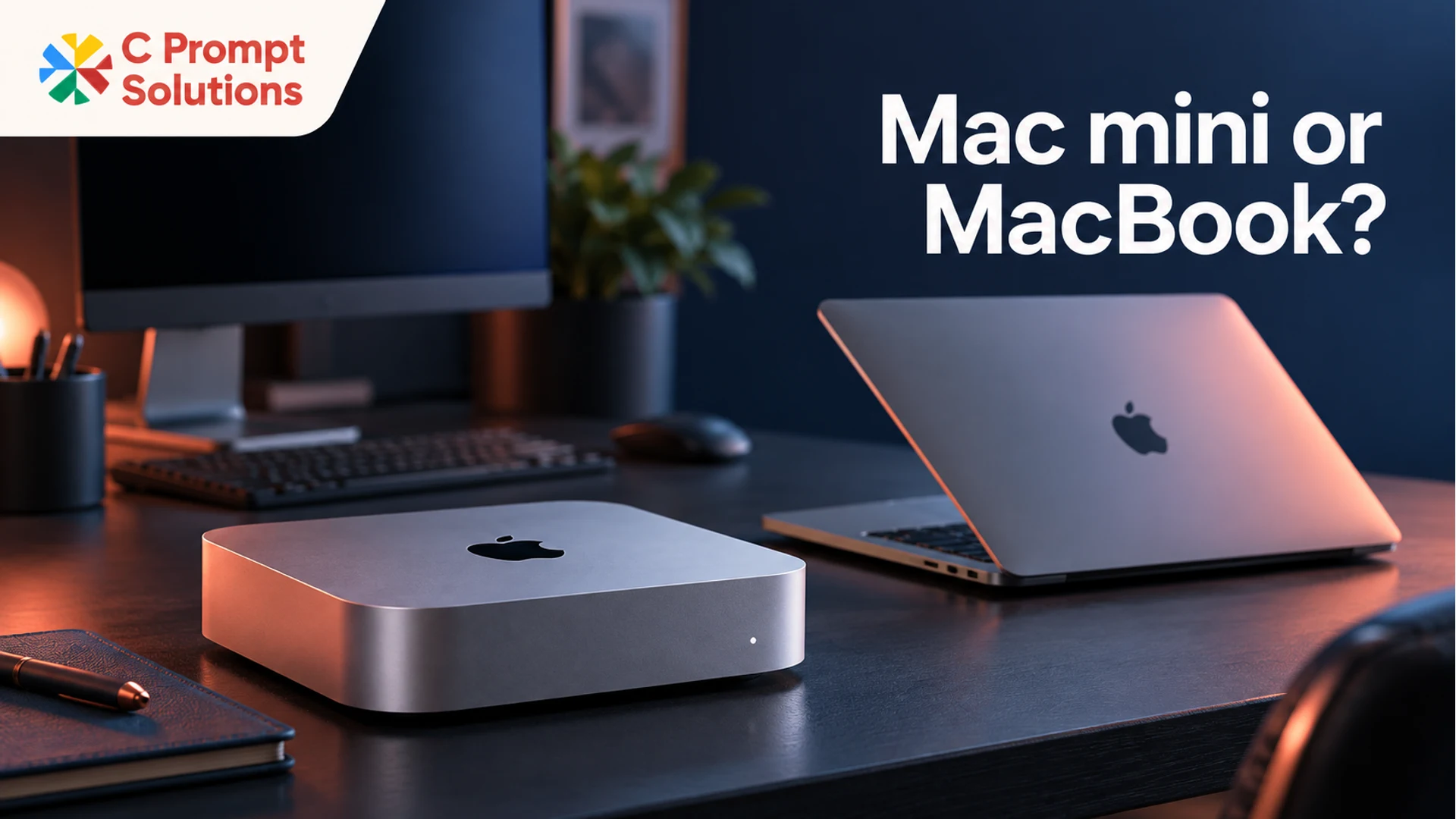
Choose a Mac mini when the work belongs at an equipped fixed desk. Choose a MacBook when the employee needs the same working computer in meetings, at home or while travelling. Then check the exact configuration and the complete setup each person needs. Comparing a desktop unit with a laptop by product name alone leaves much of the office requirement unanswered.
Both can be appropriate within one business. A studio may have permanent production desks and mobile account managers. A software team may have office-based developers and engineers who regularly move between locations. The useful decision is where each employee must work and which equipment must travel with them.
Start with that pattern, then turn it into a desk and device brief. Performance requirements still matter, but form factor should not be chosen before the working arrangement is clear.
Decide where the working computer needs to be
List the places each role works during an ordinary week. Include meeting rooms, client sites, home and office desks. Then ask whether the employee needs to continue the same local work in each location or merely attend a meeting using a shared system.
A MacBook brings its display, keyboard, trackpad and battery into that decision. Apple's MacBook Air technical specifications also list the integrated camera, microphones and speakers. These built-in components make it a different equipment package from a desktop computer that needs a separate desk setup. Their suitability for a particular meeting or production workflow should still be checked.
A Mac mini needs a place to operate and the connected equipment for that place. Carrying a small desktop between locations does not create a complete working setup at the destination. Someone would still need a suitable display, input devices, power and any required meeting equipment there.
For each role, write a simple conclusion: fixed desk, portable computer, or unresolved working arrangement. Do not select a configuration to solve an arrangement the business has not yet agreed. A hybrid policy without an equipment plan can leave staff with a well-equipped office desk and no suitable way to work elsewhere.
Compare complete setups with a desk worksheet
Apple's Mac mini setup guide walks through power, display and keyboard/mouse connections. It also notes that display cabling may require an adapter. For procurement, this means the desktop should be reviewed as a complete working desk, rather than assuming the computer unit is everything the user needs.
| Requirement | For a Mac mini desk | For a MacBook user |
|---|---|---|
| Working location | A defined, equipped place for the computer | The locations where the same device will travel |
| Display | Exact external display model and required connection | Built-in screen plus any required external screens |
| Input devices | Keyboard and mouse or trackpad to be itemised | Built-in input devices plus optional desk accessories |
| Meetings | Required camera, microphone and audio arrangement | Check whether integrated or external equipment meets the task |
| Power | Suitable power and the full desk's connection plan | Charger and power access at the places the employee uses |
| Network | Required wired or wireless connection at the desk | Network access in each normal working location |
| Handover | Agreed desk components and ownership | Device, charger and any allocated accessories |
Mark each item as already available, to be included in the equipment request, or the customer's responsibility. This keeps an existing office asset from being unnecessarily requested and prevents an essential component from being left between two teams.
Availability at a desk does not prove compatibility. Record the model and connection for equipment you plan to reuse. A display can be present in the office while still needing the right cable or adapter for the proposed computer. Itemise what must be included in the quotation rather than assuming that every required accessory comes with the device.
Check the exact display and port configuration
Describe the display plan before approving either form factor. State how many screens the role needs, their models, resolution and normal use. Also list peripherals that remain connected, such as storage or a meeting-room device, so the whole port requirement is visible.
Apple explains that MacBook Pro external-display support depends on its chip and configuration. The same product-family label should therefore not be treated as a universal display specification. Check the documentation for the exact quoted MacBook or Mac mini model, rather than applying a current MacBook Pro example to a different machine.
If a dock or adapter is part of the plan, record its exact model and the connections expected to work. Validate the complete chain: computer, dock or adapter, cable and display. A connector that fits is only one part of the requirement. The desired screen arrangement needs to work with the chosen equipment and configuration.
The existing monitor and desk-setup guide covers the surrounding desk requirement. Use it to check what is included and what must be supplied separately. Keep this decision focused on fixed versus mobile equipment instead of repeating a general screen-buying comparison.
Plan shared desks and hybrid work separately
A fixed computer at a shared desk and a laptop brought to that desk create different operating arrangements. With a laptop, the desk may need to provide a display and accessories while the employee brings the working device. With a fixed Mac, the business needs an approved way for different users to access the applications and files they require.
Have customer IT define accounts, access and data handling before selecting the arrangement. Do not assume that installing a desktop makes a room ready for any employee to use, or that moving a laptop between desks automatically resolves application access and connected-equipment requirements.
Consider an illustrative office with several permanent design desks and a smaller group that regularly works at client sites. The fixed desks could be evaluated for Mac mini setups, while the travelling roles could be evaluated for MacBooks. That is a starting allocation to validate against the work, not a claim that one device will perform every design task or that this arrangement saves a stated amount.
For hybrid employees, check what is available at home and what the business expects to provide. A portable device can reduce the need to move a fixed setup, but an employee may still need a suitable screen or accessories at each regular workspace. Record the full requirement instead of leaving it to be discovered after delivery.
Turn the role split into an equipment request
Once the location and desk requirements are clear, add the applications and configuration needed for each group. Keep memory, storage and required macOS/application versions with the profile. Fixed versus portable does not mean all Mac mini or MacBook configurations are equivalent for the workload.
Use a line per role and setup: device family, exact configuration to confirm, number of units, existing accessories, requested accessories, city, working location and required term. Add any equipment that must be tested together. This gives IT a meaningful configuration to approve and procurement a requirement that suppliers can answer consistently.
C Prompt Solutions lists Mac mini alongside MacBooks in its existing Mac equipment catalogue. Ask for the exact proposed configuration and component inclusion against your brief. A catalogue category does not establish current availability, a particular port layout or an accessory bundle.
Before confirming a larger order, have the customer's nominated user check an agreed representative setup. For a fixed desk, this could include displays, input devices, network access and a normal meeting. For a mobile role, include the way the device moves between its regular locations. Keep any unresolved component or access issue visible before repeating that setup across the office.
Questions about Mac mini and MacBook office setups
Is a Mac mini a sensible option for an office team?
It can be when the role works at a fixed, equipped desk and the proposed configuration supports the required applications. Include the display, input devices, network and meeting requirements in the decision. It is less suitable as a substitute for a portable working computer when an employee needs to continue local work across several locations.
Can a business use Mac mini and MacBook devices together?
Yes, the allocation can follow role and working location. Customer IT should still verify application versions, file access, account arrangements and connected equipment for both groups. A mixed allocation needs a consistent approval and asset-record process, even when the physical setups differ. The model name alone does not establish that every employee has the same configuration.
Does an existing monitor make a Mac mini desk complete?
No. Confirm the monitor model, cable, required display behaviour and the exact computer configuration. Also itemise the keyboard, mouse or trackpad, meeting equipment, power and network arrangement. Mark what is already available and what must be included. Reusing a screen can be sensible, but compatibility and the rest of the desk still need checking.
Should a business choose the same device for every role?
Only if the working patterns and requirements support that choice. A single standard can simplify ordering, but it can also leave mobile staff with a fixed setup or fixed desks with poorly defined accessories. Start with the roles, approve the appropriate profiles and keep the reason for each allocation with the equipment request.