
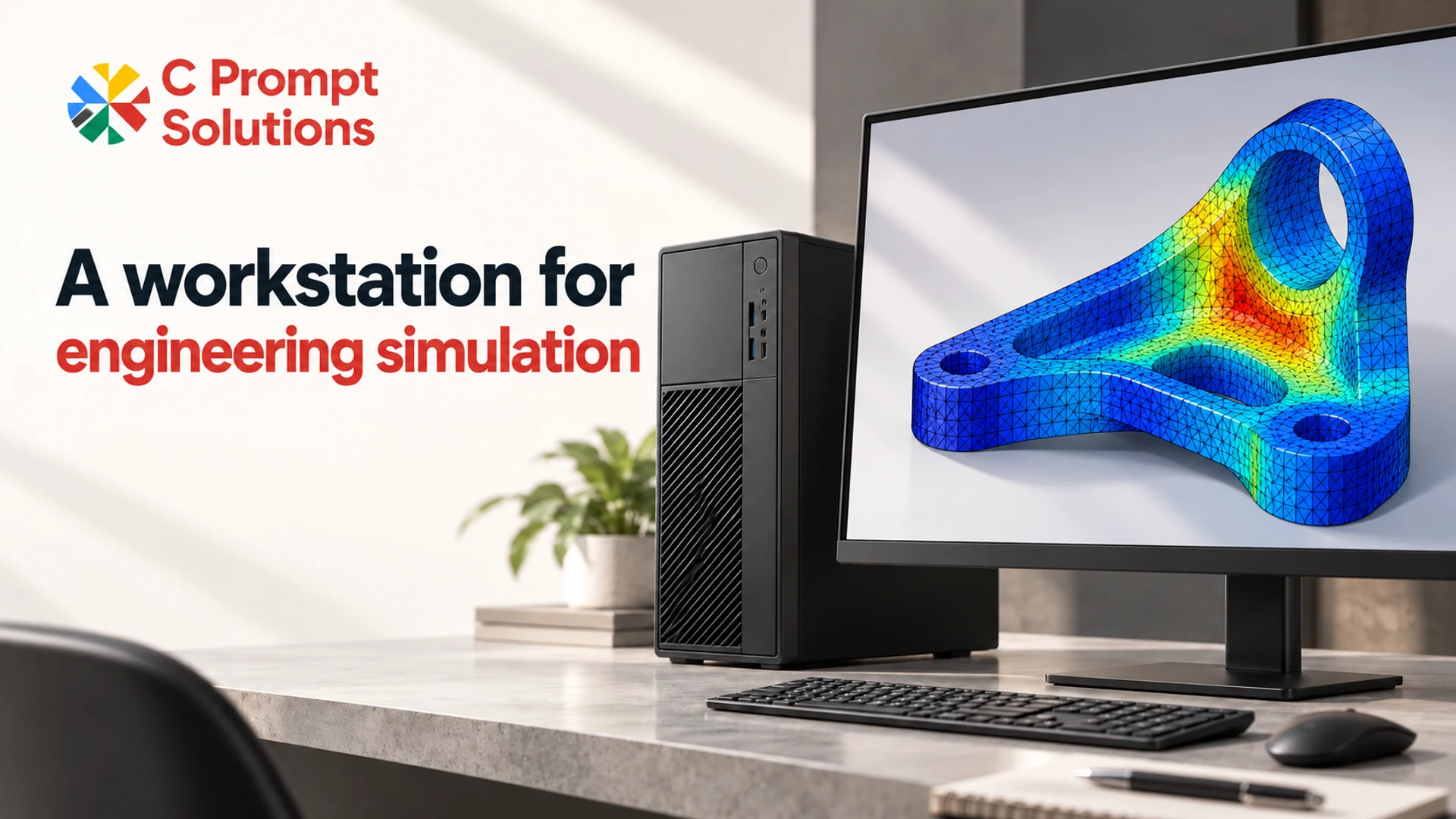
Specify a workstation for simulation from an actual solver case, its software and licence requirements, and an agreed acceptance test. Capture the analysis type, mesh, numerical settings, memory use and concurrent jobs before choosing components. A machine that handles the model viewport has not yet demonstrated that it can complete the engineering calculation.
This article concerns analysis and solving. Geometry creation and general CAD application selection belong in the CAD workstation configuration brief. Start with the solver's work rather than repeating a CAD graphics-card checklist.
Describe the calculation and the result it must produce
Name the application, release, required modules and solver. “Ansys” alone does not identify whether the work is a Mechanical APDL structural analysis, a Fluent calculation or another application. For COMSOL, identify the physics interface and study as well as the product version.
Record the case revision, mesh statistics, materials, boundary conditions and solver settings. Include relevant contacts, nonlinear behaviour, time steps or parameter sweeps. These are inputs to the enquiry, not a claim that any one count predicts hardware requirements.
Choose a representative case the engineering reviewer already understands. Define which outputs must be checked and how long the team can wait. Keep an approved description separate from confidential model files until sharing has been authorised. Record who owns the model and who can judge the result.
Match acceleration to the solver path
The GPU used for displaying geometry and the GPU path used by a solver are separate checks. Confirm whether the chosen analysis supports acceleration and which stages can use it before making an accelerator mandatory.
For example, the Ansys Mechanical APDL 2026 R1 Linux GPU requirements distinguish recommended equation solvers and emphasise double-precision capability for the sparse direct solver and associated eigensolvers. That is more specific than selecting a card from its graphics-memory figure or treating a rendering benchmark as evidence for simulation.
COMSOL 6.4 Update 3 requirements separately document graphics, GPU computing, runtime and licence conditions. They distinguish discontinuous Galerkin, cuDSS and cluster GPU use. Check the applicable path; an accelerator feature in one solver is not permission to assume every study benefits.
Keep the installed release and supported operating system in the compatibility record. Ask the reviewer to check drivers and vendor-supplied libraries for that release. Do not reuse another application's runtime instructions simply because both products can use a GPU.
Plan memory, working files and licensed concurrency
Observe memory use through case loading, assembly, solving and result handling. Record scratch space and saved-result size too. The case must finish within the proposed storage arrangement, including the working files that exist before cleanup.
Specify the number of simultaneous analyses and how processors are allocated to each. Ask the licence administrator to confirm product modules, permitted solver use and any parallel-computing entitlements. An installed processor count does not answer a licence question.
Keep single-workstation and distributed execution distinct. COMSOL's Cluster Computing documentation states that the feature requires a Floating Network License. That requirement must be reviewed before expanding a local-workstation brief into a cluster proposal. No cluster service or software licence is assumed here.
Copy this solver and case worksheet
Use a separate record when the physics, solver or concurrency requirement changes. Leave an unknown measurement marked “to validate”.
| Field | What to record | Decision owner |
|---|---|---|
| Application | Product, release, modules, OS and required integrations | Simulation lead |
| Case | Approved revision, physics, mesh statistics and study | Model owner |
| Solver | Numerical method, precision, settings and acceleration path | Solver specialist |
| Licence | Available entitlements, permitted cores, GPUs and simultaneous jobs | Licence administrator |
| Resources | Observed peak RAM, scratch use, result size and elapsed time | Test owner |
| Concurrency | Jobs running together and resources assigned to each | Team lead |
| Validity | Convergence checks, reference outputs and numerical tolerances | Engineering reviewer |
| Candidate | Exact configuration, exceptions and acceptance record | IT and procurement |
Use a repeatable case-validation workflow
Hardware acceptance should confirm that the agreed case runs correctly under the agreed conditions. It does not replace engineering model validation or a mesh-convergence study.
- Freeze the input. Save the case revision, mesh, solver settings and required material data. Record software versions and licensed features. Define the output tolerance and completion-time requirement before testing.
- Check the execution path. Verify that the intended solver, processor allocation and acceleration settings are used. Keep the solver log and investigate warnings or unsupported features.
- Run through completion. Include loading, solving and the result operations the team needs. Note where timing begins and ends. Record peak memory, scratch use and any failures rather than reporting only a solve-time figure.
- Review the engineering output. Compare agreed quantities, units and convergence indicators with the reference case. A quicker calculation that changed the method or missed the required result is not an acceptable comparison.
- Repeat and test sharing. Rerun with the same settings, then assess the intended simultaneous jobs. Record background work and storage conditions. Investigate unexplained variation before signing off.
Attach the logs, resource observations and reviewer decision to the candidate specification. If the hardware, software release or solver path changes, identify which parts of the acceptance test must be repeated. Keep an unresolved exception visible instead of silently accepting it.
A hypothetical engineering-team comparison
Consider a hypothetical team comparing a single structural analysis with two independent analyses running together. This example is not a benchmark or a C Prompt equipment recommendation. The licence administrator first confirms that the proposed simultaneous use is permitted. The engineer then freezes the same two case revisions and records each job's allocation.
Compare completion time and accepted engineering outputs for both jobs, not just their combined throughput. If shared execution is unsuitable, the team can assess a queue or a different candidate. The outcome belongs in the worksheet, together with the engineering review.
Frequently asked questions
Is a CAD workstation automatically suitable for simulation?
No. Modelling responsiveness does not establish solver compatibility, memory capacity for a particular case or licensed parallel use. Review the analysis separately and complete the representative calculation with its required result checks.
Should I prioritise more CPU cores or a GPU?
Identify the solver path and licence constraints first. Compare candidates using your case with controlled settings. Core count or GPU presence alone cannot establish which candidate completes the required analysis acceptably.
How much RAM does a simulation workstation need?
Use observations from the relevant case and its largest expected variant, then agree a working margin with the technical reviewer. Mesh count by itself is an incomplete specification. Include concurrent jobs, working files and result handling in the assessment.
What information should accompany a rental enquiry?
Provide the product and release, solver and case summary, measured resource needs, intended concurrency, quantity, location and duration. Request the exact candidate configuration. Confirm software, installation and licence responsibilities separately; equipment selection does not establish those services.