
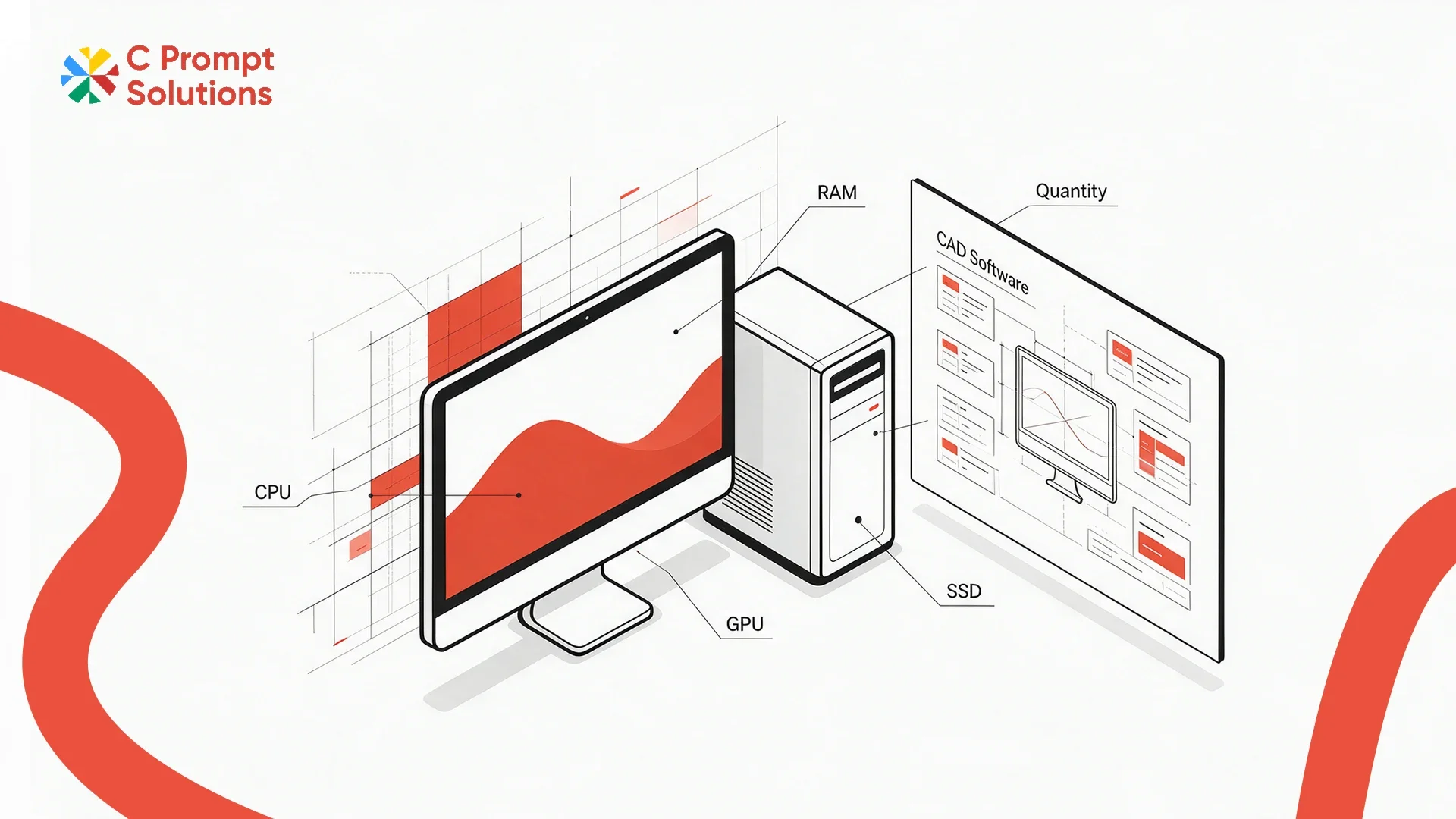
GST applies at 18% under CBIC Notification 11/2017-Central Tax (Rate) on a workstation rental, the same as any other IT equipment rental in India. That figure is fixed and never explains why one quote runs a heavier configuration than another for the same project. The gap comes from the configuration brief, or the absence of one. A workstation rental for CAD ordered against a vague spec sheet usually arrives underpowered for the actual dataset.
This guide walks through what a configuration brief should specify, item by item, before a quote is requested.
Name the CAD Application First
The CAD application in use should be the first line of any configuration brief, not an afterthought after the spec is already decided. SolidWorks, AutoCAD, Revit, and Fusion 360 each carry different minimum and recommended specs from their own vendors. Naming the application lets a rental provider quote against a real baseline instead of a generic "CAD workstation" configuration that may undershoot what the software itself requires.
Project Dataset Size Drives Memory and Storage
Project dataset size, not the CAD application alone, is what actually drives memory and storage needs. A small mechanical part file behaves nothing like a full building information model with hundreds of linked components. State the typical file size and whether datasets are worked on locally or streamed from a server. Local, large-file work needs considerably more memory headroom than server-based, lighter-file work.
- Typical file size for the largest regular project, not the average one
- Whether files are worked on locally or streamed from a shared server
- Whether multiple large assemblies are open simultaneously during normal work
Processor Requirement Depends on Single-Core or Multi-Core Work
Processor requirement splits into two different needs that a generic brief often blurs together. CAD modeling and drafting lean on single-core clock speed, while rendering and simulation lean on multi-core throughput. State which activity dominates the actual workload. A processor tuned for one performs noticeably worse on the other, regardless of how high its specification sheet numbers look. C Prompt's Monthly Rentals plan can quote either profile once the workload split is stated clearly.
Graphics Requirement: When a Dedicated GPU Matters
Graphics requirements should specify whether the work involves real-time 3D viewport manipulation, rendering, or mostly 2D drafting. Heavy 3D work needs a dedicated, workstation-class graphics card, not a consumer gaming GPU repurposed for CAD, since certified drivers matter for stability inside professional CAD software. Two-dimensional drafting can often run on integrated graphics without a visible difference in day-to-day use.
Memory Capacity for Large Assemblies
Memory capacity should be sized against the largest assembly the team actually opens, not the average file. An assembly with thousands of parts and full history can consume far more memory than the same assembly simplified or lightweighted. State this explicitly in the brief, since a vendor quoting against an average file size will under-spec memory for the worst-case project that eventually shows up.
Storage Performance Matters as Much as Storage Size
Storage performance, beyond capacity alone, affects how a CAD file opens and saves. An SSD, ideally NVMe, cuts load times noticeably against a standard hard drive at the same capacity. State both the storage size needed and a minimum read and write speed, if the team has previously noticed slow file operations. "500GB storage" alone leaves the performance tier undefined.
- Storage size, stated separately from performance tier
- NVMe SSD requested explicitly, if load time has been a problem before
- Local storage vs network storage, since this changes what "fast" actually means
Run a Pilot Workload Before the Full Order
A pilot workload tests one or two workstations against a real project file before the full order ships. This catches a configuration gap while it only affects one or two machines. Confirm the pilot uses the actual dataset size named in the brief, not a lighter sample file that will not reveal a memory or storage shortfall. A pilot that passes on a small test file and fails on the real project has not actually tested anything useful.
Rental Project Duration Should Match the Actual Timeline
Rental project duration should track the project it supports, not a round number chosen for convenience. A model-training run or a fixed-scope design project has a known end date. Order against that date rather than defaulting to a standard monthly term that either falls short or runs well past when the workstations are actually needed.
GST and TDS on a Workstation Rental
GST applies at 18%, shown as a separate invoice line regardless of configuration tier. Once monthly rent to a single vendor crosses ₹50,000, Section 194-I requires 2% TDS deducted before payment. Confirm both lines on a sample invoice before the pilot workload begins, since a high-spec workstation order changes the monthly figure these percentages apply to.
Documents Required for a Workstation Rental
Signing a workstation rental agreement needs the same standard KYB documents as any other IT equipment rental: company PAN, GST registration, and the signing authority's identification and authorisation letter. Most vendors confirm the exact list with the quotation. An engineering team already working against a project deadline should confirm this list early, so paperwork does not become the bottleneck once the configuration brief is finalised.
Comparing Two Workstation Quotes on the Same Brief
Two vendors quoting against the identical configuration brief can still land on different numbers, and the difference is worth understanding before picking the lower one. Confirm whether both quotes use the same processor generation and GPU model, beyond a matching category description.
A quote that looks cheaper sometimes substitutes a lower-generation part that meets the letter of the brief but not the performance the team actually needs.
- Same processor generation and core count, beyond a matching category label
- Same GPU model, not a generic "dedicated graphics" description
- Same memory speed, not only the same capacity in GB
Workstation Rental for CAD vs Video Editing
Workstation rental for CAD and workstation rental for video editing share the same underlying hardware categories: high memory, fast storage, and a capable GPU, but weight them differently. CAD work leans harder on single-core processor speed and certified drivers; video editing leans harder on GPU encoding performance and very fast storage for large media files.
State the actual workload type in the brief rather than assuming "workstation" alone tells a vendor which balance to quote. A studio running both CAD visualisation and video editing on the same team should specify both workloads separately, since one configuration rarely serves both equally well.
Frequently Asked Questions
What should go into a configuration brief for a CAD workstation rental?
Name the CAD application, typical and largest dataset size, whether work is single-core or multi-core heavy, graphics requirement, memory capacity, and storage performance, beyond storage size alone.
Does every CAD workflow need a dedicated GPU?
No. Heavy 3D modelling and rendering typically need one; most 2D drafting can often run on integrated graphics without a visible difference.
Why does dataset size matter more than the CAD software name alone?
The same software handles a small part file and a large assembly very differently. Memory and storage needs scale with the dataset, not the application license.
How many workstations should a pilot workload include?
One or two is usually enough, tested against the actual largest project file, not a lighter sample that will not reveal a real shortfall.
Is GST charged on a workstation rental?
Yes, at 18%, shown as a separate line on the invoice. Registered businesses can claim input tax credit on this amount.
Can rental project duration be shorter than a standard monthly term?
The floor is usually one month, but the term itself should track the project's actual end date rather than defaulting to a round number.
What documents are needed to sign a workstation rental agreement?
Standard KYB documents: company PAN, GST registration, and the signing authority's identification and authorisation letter. Confirm this list early against a project deadline.
Should a team running both CAD and video editing use one configuration?
Usually not the same one for both. Specify each workload separately in the brief, since a configuration balanced for CAD rarely performs as well on video encoding, and the reverse also holds.
A configuration brief for workstation rental for CAD comes down to seven items. The CAD application, project dataset size, processor requirement, graphics requirement, memory capacity, storage performance, and a pilot workload. Confirm all of it before the full order ships.