
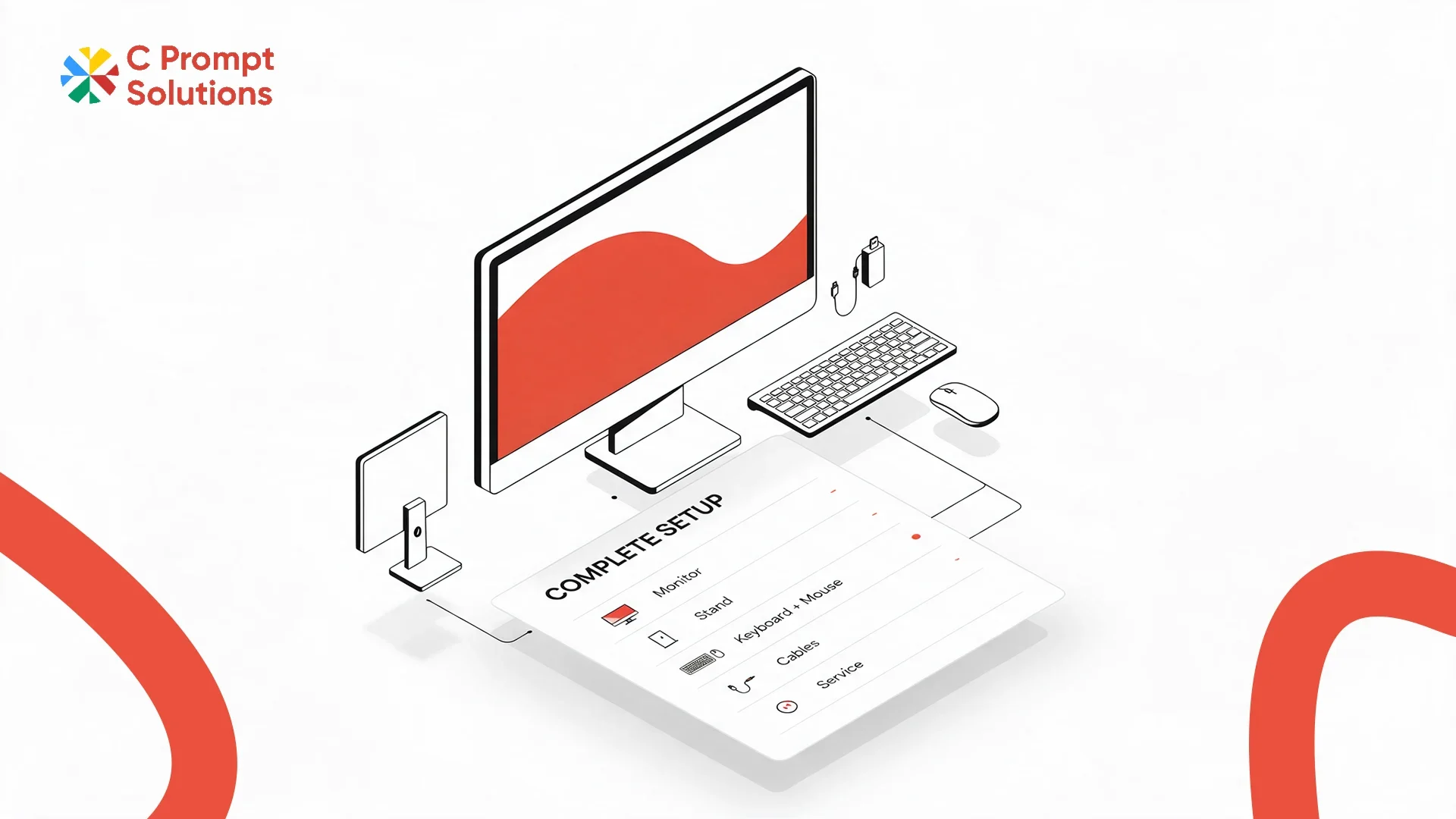
GST applies at 18% under CBIC Notification 11/2017-Central Tax (Rate) on a monitor rental, a fixed figure that never explains why one monitor rental price looks cheaper than another for what seems like the same screen. The real gap sits in everything around the panel: ports, mounting, cables, and whether the quote covers one screen or a full desk setup. This guide walks through what to compare before assuming a lower number is the better deal.
Screen Size and Resolution Set the Baseline
Screen size and resolution should be matched to the actual work, not picked for the biggest number available. A finance team reading spreadsheets benefits from resolution and screen real estate more than raw size, while a design team may need colour accuracy specified alongside size. State both figures together when requesting a quote, since two monitors of the same size can carry very different resolutions and prices.
- State screen size and resolution together, not size alone
- Ask whether colour accuracy specs are relevant to the actual work
- Confirm panel type, since this affects viewing angle and price at the same size
Connection Ports: Decide What Actually Plugs In
Connection ports on the monitor should be checked against the laptop or desktop it connects to, not assumed to match by default. A laptop with only USB-C ports paired with a monitor that only has HDMI needs an adapter that was never mentioned in the quote. State the exact port types on both the monitor and the device it connects to, before assuming a plug-and-play setup. This matters even more on a mixed fleet, where some employees use laptops with different port configurations than others on the same floor.
Docking Compatibility Matters More Than It Looks
Docking compatibility should be confirmed when a monitor rental price includes a docking station, since not every dock supports every laptop's charging and display needs simultaneously. A dock that handles display output but not enough power delivery leaves a laptop still needing its own charger on the desk. Confirm the dock's power delivery wattage against the laptop model before assuming one dock fits every device on the team.
Height Adjustment Changes the Real Cost of a Desk
Height adjustment on the monitor stand or arm affects comfort over a full workday, and a fixed-height stand often costs less upfront while pushing the cost of an adjustable arm onto the office later. Confirm whether the quoted monitor rental price includes a height-adjustable stand, or a basic fixed stand that will need an arm added separately if anyone raises an ergonomics concern.
Dual Monitor Setup Needs More Than Two Screens
Dual monitor rental needs more than doubling the screen count on the quote. Two monitors need a graphics output that supports two displays, matching stands or arms that sit at the same height, and cabling for both. Confirm the device being paired can actually drive two external displays before ordering a dual monitor setup. Some entry-level laptops cannot.
- Confirm the paired device supports two external displays, beyond a single output.
- Match stand height and tilt across both monitors, beyond matching the model alone.
- Count cables and adapters for both screens, not one set assumed to cover two.
Cables and Adapters Are Where Quotes Quietly Diverge
Cables and adapters are the line item most often left off a monitor rental price quote, then added back as an unexpected cost once the equipment arrives. Confirm whether the correct cable for each connection type is included, and whether adapters for mismatched ports come with the order or need to be sourced separately by the office.
Rental Duration Affects the Monthly Figure
Rental duration works against the monitor rental price the same way it does on any monthly rental. A short-term order for an event or a temporary desk carries a higher per-unit rate than a longer-term order for a permanent workstation. C Prompt's Monthly Rentals plan confirms the rate at the actual duration needed, not a generic monthly number quoted before duration is discussed.
GST and TDS on a Monitor Rental
GST applies at 18%, shown as its own line on the invoice, separate from the device rate. Once monthly rent to a single vendor crosses ₹50,000, Section 194-I requires 2% TDS to be deducted before payment. Confirm both lines on a sample invoice before comparing the final monitor rental price across two vendors.
Comparing Two Monitor Rental Quotes on the Same Screen
Two vendors quoting the identical screen size and resolution can still land on different numbers once the full desk setup is priced in. Line up both quotes against the same items: stand type, cable inclusion, docking compatibility if relevant, and rental duration. A quote that looks lower on the per-screen number can move ahead or behind once every item that actually ships with the monitor is added back in.
- Stand type, fixed or height-adjustable, matched exactly between quotes
- Cables and adapters, itemised rather than assumed included
- Docking station, if relevant, priced and specified separately from the monitor
A Multi-Floor Refresh Needs a Consistent Setup, Not a Mixed One
A multi-floor or multi-office monitor rental order benefits from a single, consistent desk setup specified once and applied everywhere, rather than each floor negotiating its own configuration. Confirm the vendor can hold one stand type, one cable set and one screen size and resolution across every location in the order. A mixed setup across floors creates a support headache later, when a replacement for one location does not match the rest of the fleet.
Documents Required for a Monitor Rental
Signing a monitor rental agreement requires the same standard KYB documents as any other IT equipment rental: company PAN, GST registration, and the signing authority's identification and authorisation letter. Most vendors confirm the exact list with the quotation, whether the order is a handful of monitors or a full-floor desk refresh.
Monitor Rental vs Dual Monitor Rental Pricing
Monitor rental as a general quote covers a single screen per desk, while dual monitor rental covers everything needed for two screens working together at one desk. The per-screen rate is often similar between the two, but a dual quote should also price the extra stand or arm, the second cable set, and confirmation that the connected device can actually run two displays. Compare full desk-setup pricing, beyond the per-screen rate alone, when weighing a single versus dual configuration.
Frequently Asked Questions
Does a monitor rental price include cables and adapters?
Not always. Confirm whether the correct cables for each connection type are included, and whether adapters for mismatched ports are part of the order.
Can any laptop support a dual monitor rental setup?
No. Confirm the laptop or desktop can drive two external displays before ordering, since some entry-level devices only support a single external screen.
Does docking compatibility affect monitor rental price?
Yes. A dock needs to be matched for both display output and power delivery wattage against the specific laptop model, not assumed to work universally.
Is a height-adjustable stand included in a standard monitor rental?
It depends on the vendor. Some quotes include a fixed stand by default, with a height-adjustable arm as a separate line item.
Is GST charged on a monitor rental?
Yes, at 18%, shown as a separate line on the invoice. Registered businesses can claim input tax credit on this amount.
Does rental duration change the monitor rental price?
Yes. Shorter terms typically carry a higher per-unit rate. Confirm the rate at the actual duration needed before comparing two quotes.
What documents are needed to sign a monitor rental agreement?
Standard KYB documents: company PAN, GST registration, and the signing authority's identification and authorisation letter. Most vendors confirm the exact list with the quotation.
Can a multi-floor office get the same monitor setup across every location?
Yes, if specified upfront. Confirm the vendor can hold one stand type, one cable set and one screen spec across every floor, rather than each location negotiating separately.
Monitor rental price comes down to a complete desk setup, not the screen alone: size and resolution, connection ports, docking compatibility, height adjustment, cabling, and rental duration. Compare all six before assuming a lower headline figure is the better quote.