
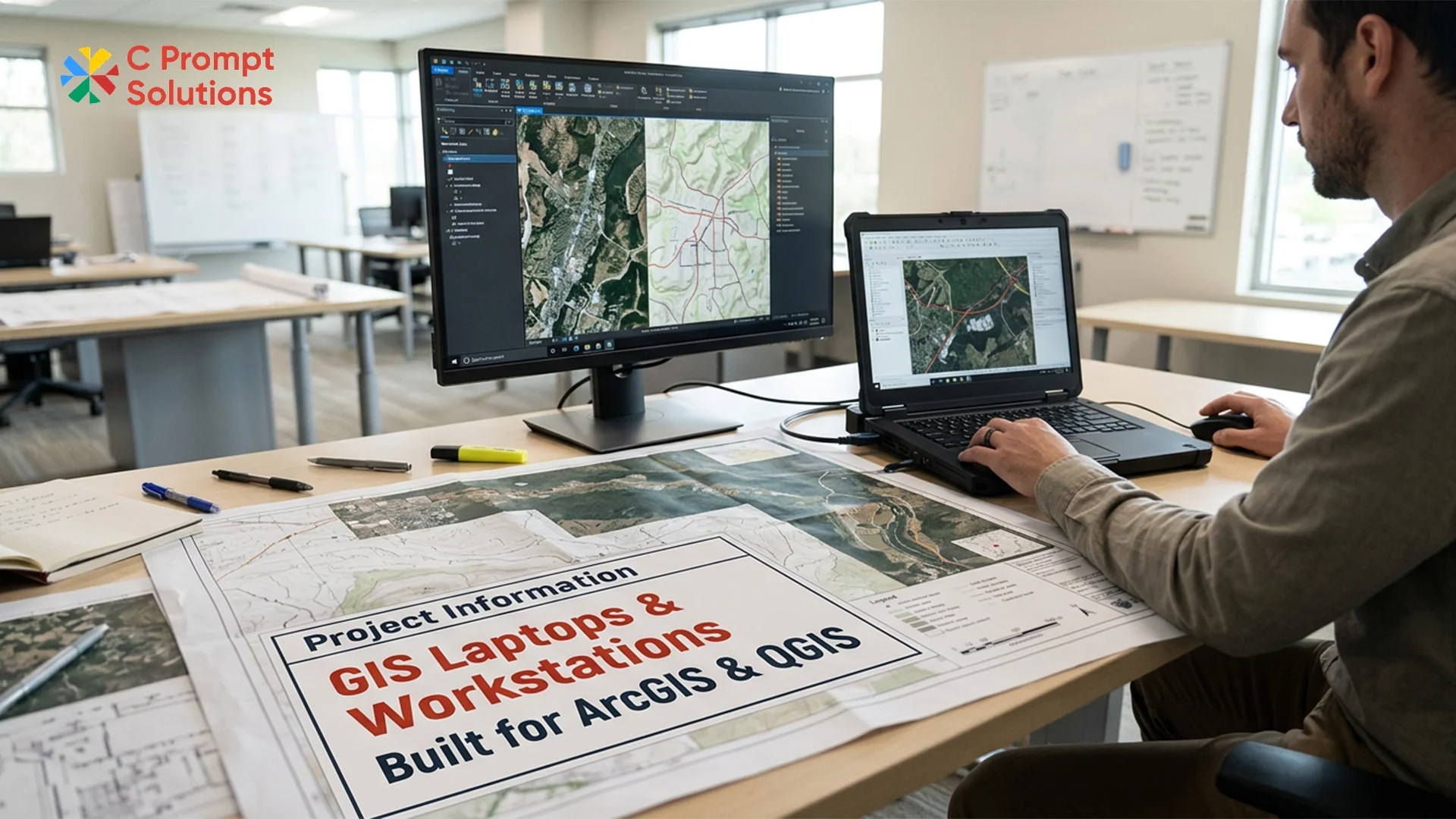
What does a laptop for GIS need?
A laptop for GIS needs a multi-core CPU, at least 16 GB of RAM, a dedicated GPU with its own graphics memory, and an SSD with room for raster datasets. The recommended ArcGIS Pro setup is a CPU with 4 cores, 32 GB of RAM, and a discrete GPU with 8 GB of dedicated memory.
Item | ArcGIS Pro 3.7 minimum | ArcGIS Pro 3.7 recommended |
CPU | 2 cores with multithreading | 4 cores, with 10 cores listed as optimal |
RAM | 8 GB | 32 GB, with 64 GB or more as optimal |
GPU | None, emulated on the CPU | Discrete GPU with 8 GB of dedicated memory |
Storage | 32 GB free | 32 GB or more free on an SSD |
Graphics API | DirectX 11 | DirectX 12 |
Screen | 1024 x 768 | 1080p or higher |
Two smaller notes matter for procurement. Some geoprocessing tools need AVX support. Projects kept in cloud sync folders such as OneDrive or Google Drive are also unsupported, unless a tool's documentation says otherwise.
How do ArcGIS Pro and QGIS differ on hardware?
ArcGIS Pro is Windows-only and leans on the GPU for 2D and 3D display, while QGIS runs on Windows, macOS, and Linux, and its current long-term release is 3.44. QGIS usually copes on lighter hardware, but large raster processing pushes both packages to the same memory and storage limits.
Spec for ArcGIS Pro if the team uses both, since it sets the higher floor. A team working only in QGIS can often start a laptop for GIS at 16 GB of RAM and a mid-range dedicated GPU.
How much memory do raster datasets need?
Raster datasets drive memory harder than any other GIS task. A drone orthomosaic or a fine elevation model for a district can run to several gigabytes. Analysis tools then hold large parts of it in RAM. 32 GB suits regular raster work. Daily drone processing calls for 64 GB.
Storage matters as much as RAM. Keep active rasters on the internal SSD, since opening them from a network share or a USB disk slows every redraw. Plan 1 TB for analysts and 2 TB for drone and imagery teams. Keep a full project on the laptop.
Does GIS work need a dedicated GPU for 3D scenes?
Yes, for 3D scenes and heavy map display. Esri warns that running ArcGIS Pro without a GPU leads to emulation and slower 3D views, and recommends a discrete GPU with 8 GB of dedicated memory. Laptops with integrated graphics share system RAM, so add memory if a dedicated GPU is not an option.
Deep learning tools set a higher bar. ArcGIS Pro needs an NVIDIA GPU with CUDA compute capability 5.0 or later for them, with 7.5 or later recommended. Budget for 16 GB or more of graphics memory. A thin laptop rarely meets that, which moves deep learning onto a GIS workstation.
Screens affect the GPU choice too. Higher resolutions such as 4K need more video memory and a more powerful GPU, according to the same requirements page. A 4K external monitor raises the bar on a thin laptop. Two 1080p screens usually give an analyst more usable room. Map on one, attribute tables on the other.
When is a GIS workstation better than a laptop?
A GIS workstation is better when the work stays at one desk and involves large rasters or deep learning. The optimal ArcGIS Pro spec of 10 cores and 64 GB of RAM fits a desktop tower more naturally than a thin laptop. Anyone who travels still needs a laptop.
A common split gives every analyst a laptop for GIS. One or two workstations then handle imagery processing and model training. C Prompt rents CAD and GPU workstations with ISV-grade graphics on monthly terms, so a team can add one for a single survey season. The engineering simulation workstation guide covers similar builds.
How should you split specs across a GIS team?
Split specs by task, because a laptop for GIS in a surveyor's bag has a very different job from a machine that processes imagery all day. The bands below are planning examples. Test your largest real project on one build before ordering.
Role | Typical work | Suggested machine |
Field surveyor | Data capture and offline maps | Laptop with 16 GB RAM, 512 GB SSD, long battery life |
GIS analyst | ArcGIS Pro or QGIS mapping, vector analysis | Laptop with 32 GB RAM, 8 GB GPU, 1 TB SSD |
Imagery specialist | Drone and satellite rasters, 3D scenes | Workstation with 64 GB RAM, 8 GB or more GPU, 2 TB SSD |
Remote sensing and AI | Deep learning tools | Workstation with 64 GB RAM and a 16 GB NVIDIA GPU |
Review the split every 12 months. Dataset sizes grow as drone surveys get denser, and an analyst's laptop for GIS can slide into the imagery band within 2 years.
How should field-to-office data sync shape the spec?
Field-to-office data sync shapes the survey laptop more than the office machine. A survey laptop needs battery life and a bright screen, plus enough storage to hold offline maps for a full day. Office machines need the memory to merge and process what comes back each evening.
Agree on the sync route before ordering. Data can sync through a GIS platform's cloud service, or upload nightly to a local server at the office. Either way, the computer for GIS in the field should hold a full day of data even if the mobile network drops. For office-side storage, C Prompt rents servers and workstations delivered and racked on site.
Frequently asked questions
Can I run ArcGIS Pro on a MacBook?
Not natively. Support covers Windows 11 and recent Windows Server versions only, so Mac users would need a Windows virtual machine with plenty of memory. A Mac-based team can instead work in QGIS, which runs natively on macOS with no second operating system.
How much RAM does a computer for GIS need?
16 GB for vector mapping and light QGIS work, and 32 GB for regular ArcGIS Pro use, which is Esri's recommended figure. Daily work on drone imagery or large rasters calls for 64 GB, the optimal level for the software.
Is a gaming laptop suitable for GIS?
Often, for display and 3D work. Gaming laptops carry dedicated NVIDIA or AMD GPUs and fast CPUs. Check that the GPU has at least 8 GB of dedicated memory and that RAM can reach 32 GB. Confirm it meets your IT security standards before loading client data.
What GPU do ArcGIS Pro deep learning tools need?
An NVIDIA GPU with CUDA compute capability 5.0 or later, and 7.5 or later recommended. The memory floor is 6 GB of dedicated graphics memory, with 16 GB or more recommended, since the need grows with model architecture and batch size.
Can we rent GIS workstations for a survey season?
Yes. Workstations and laptops are available on monthly terms, delivered within 24 hours in C Prompt's 8 hub cities and in 2 days elsewhere in India. A failed unit is swapped the same business day in hub cities, and returns go through a documented wipe.
Spec a laptop for GIS against the heaviest software your team runs, which is usually ArcGIS Pro, then size memory to your raster datasets. Give imagery and deep learning to a shared GIS workstation, and keep field laptops light enough to carry all day.