
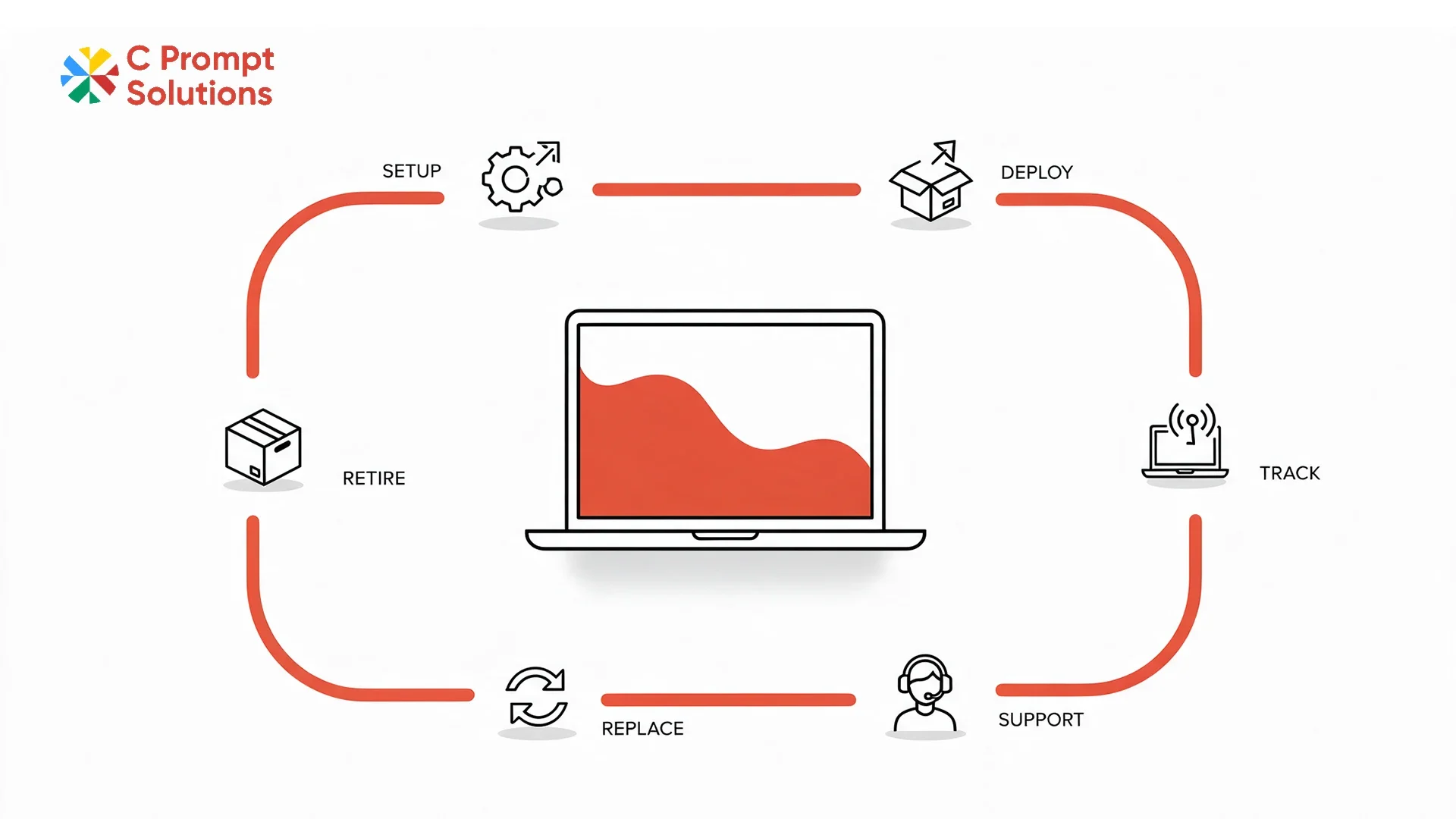
Schedule II of the Companies Act, 2013 sets the useful life of laptops and other end-user devices at 3 years. Most IT teams track this manually, across spreadsheets, purchase orders and separate vendor relationships. Device as a service consolidates that entire lifecycle, from the first device shipped to the last one retired, under one contract with one provider. This explainer walks through what device as a service actually includes, task by task, and how it differs from a simple equipment rental.
What Device as a Service Actually Means
Device as a service is a model where a provider owns the hardware and runs its full lifecycle for one monthly price per device. That price covers hardware, configuration, delivery, support, replacement and eventual retirement, rather than the business managing each of those as separate line items with separate vendors. Hardware as a service describes the same model, used more often outside India, with the same tasks bundled the same way.
Hardware Provision: Where the Fleet Comes From
Hardware provision under device as a service means the provider sources and owns the devices, rather than the business purchasing equipment outright. Brand neutrality matters here. A provider offering Dell, HP, Lenovo and Apple under one contract gives a business real choice by role, instead of being tied to whatever one OEM relationship happens to exist already.
Standard Configuration Before Devices Ship
Standard configuration means every device is imaged, asset-tagged and set up to a defined build before it reaches an employee. This is what makes a 50- or 500-device rollout behave like one consistent fleet instead of a collection of individually configured machines. Configuration should happen at the provider's facility, not after delivery, for devices to arrive ready to log in.
Deployment: Getting Devices to the Right Desk
Deployment covers physical delivery to the correct location. That could be an office desk, a home address for a remote hire, or a training room for a batch of new joiners. A managed deployment process tracks which serial number went where, which matters later for support requests, replacement and eventual retirement of that specific unit.
Helpdesk Support Built Into the Contract
Helpdesk support under Device as a Service is not a separate purchase; it sits inside the same monthly price as the hardware. An employee reports an issue to one point of contact, rather than the business running its own internal ticketing system on top of a hardware-only rental. C Prompt's Device as a Service plan runs this support alongside procurement, deployment and replacement under one account team, which matters most for a business too small to justify a dedicated internal IT support function.
Device Replacement When Something Fails
Device replacement should be defined as a specific SLA, same-business-day or next-business-day, not a general promise of support. A managed contract typically holds spare stock, pre-configured to the standard build. A failed device is swapped, rather than triggering a fresh procurement and setup cycle each time something breaks.
Fleet Reporting: Visibility Into the Whole Estate
Fleet reporting gives IT and finance visibility into every device across the contract: who holds it, its age, its warranty status, and where it sits in the refresh cycle. Without this, a growing estate of laptops, desktops and other equipment becomes difficult to track once it spans multiple cities or departments.
- Device count and location, reported per department or cost centre
- Age and refresh status against the useful-life schedule
- Open support tickets and replacement history, visible in one place
Refresh Cycle: Replacing Ageing Hardware on Schedule
Refresh cycle planning replaces hardware on a set schedule rather than waiting for individual devices to fail one at a time. Laptops carry a statutory 3-year useful life. A managed provider typically plans refreshes around that window, spreading replacements across the contract term instead of facing one large replacement cost at the end.
Device Retirement: What Happens at the End
Device retirement covers what happens once a device leaves service: a certified data wipe and either return to the provider, responsible disposal, or resale, depending on the contract terms. This should be documented, not assumed, since a device retired without a certified wipe carries a data-security risk the business is ultimately responsible for.
How Device as a Service Is Billed
Device as a service bills as one monthly amount per device, covering hardware and the bundled tasks together, rather than separate invoices for equipment, support and consumables. GST applies at 18% under CBIC Notification 11/2017-Central Tax (Rate) on the recurring charge, shown as its own line. Once monthly payment to a single vendor crosses ₹50,000, Section 194-I requires 2% TDS to be deducted before payment, the same tax treatment that applies to a straightforward equipment rental.
Onboarding a Device as a Service Contract
Onboarding a device as a service contract starts with the same standard KYB documents as a rental or lease: company PAN, GST registration, and the signing authority's identification and authorisation letter. Beyond paperwork, onboarding also means agreeing on the device schedule, the standard configuration, and the reporting format upfront, since these decisions are harder to change once the fleet is already deployed across multiple locations.
Who Actually Uses Device as a Service
Device as a service tends to suit a business with a large enough estate that managing hardware, support and refresh separately has become a real administrative burden, but not so large that it justifies building an internal IT operations team from scratch. Multi-city businesses, in particular, benefit from one account team and one SLA across every location, rather than coordinating separate local vendors city by city.
Device as a Service vs Hardware as a Service
Device as a service and hardware as a service describe the same model under two names. The tasks covered do not change based on which term a provider uses in its marketing. Both bundle hardware provision, configuration, deployment, helpdesk, replacement, reporting, refresh and retirement into one monthly price. The label is a regional naming preference, not a difference in what is actually delivered.
Frequently Asked Questions
What is device as a service in simple terms?
It is a model where a provider owns the hardware and manages its full lifecycle, provisioning, configuration, support, replacement and retirement, for one monthly price per device.
Is hardware as a service the same as device as a service?
Yes. Both terms describe the same bundled model. Hardware as a service is more common outside India, but the tasks covered are identical.
Does device as a service include helpdesk support?
Yes, in most contracts. Support sits inside the monthly price rather than being purchased separately, unlike a simple hardware rental.
How does refresh cycle planning work under device as a service?
Devices are typically replaced on a set schedule tied to their useful life, spreading the replacement cost across the contract rather than concentrating it at one point.
What happens to devices when they are retired under a managed contract?
They go through a certified data wipe, followed by return, disposal or resale depending on the contract. This should be documented in writing, not assumed.
How is device as a service different from a monthly rental?
A monthly rental typically covers the hardware and basic replacement. Device as a service adds configuration, helpdesk, fleet reporting and scheduled refresh as standard parts of the same contract.
Is GST charged on device as a service?
Yes, at 18% on the recurring monthly amount, shown as a separate line on the invoice. Registered businesses can claim input tax credit on this amount.
What size of business typically benefits most from device as a service?
Businesses with a large enough estate that managing hardware and support separately has become a real burden, but not yet large enough to run a full internal IT operations team.
Device as a service covers eight tasks under one contract: hardware provision, standard configuration, deployment, helpdesk, replacement, fleet reporting, refresh cycle planning, and device retirement. Understanding these eight is the starting point for comparing a managed offer against a simpler rental or lease.