
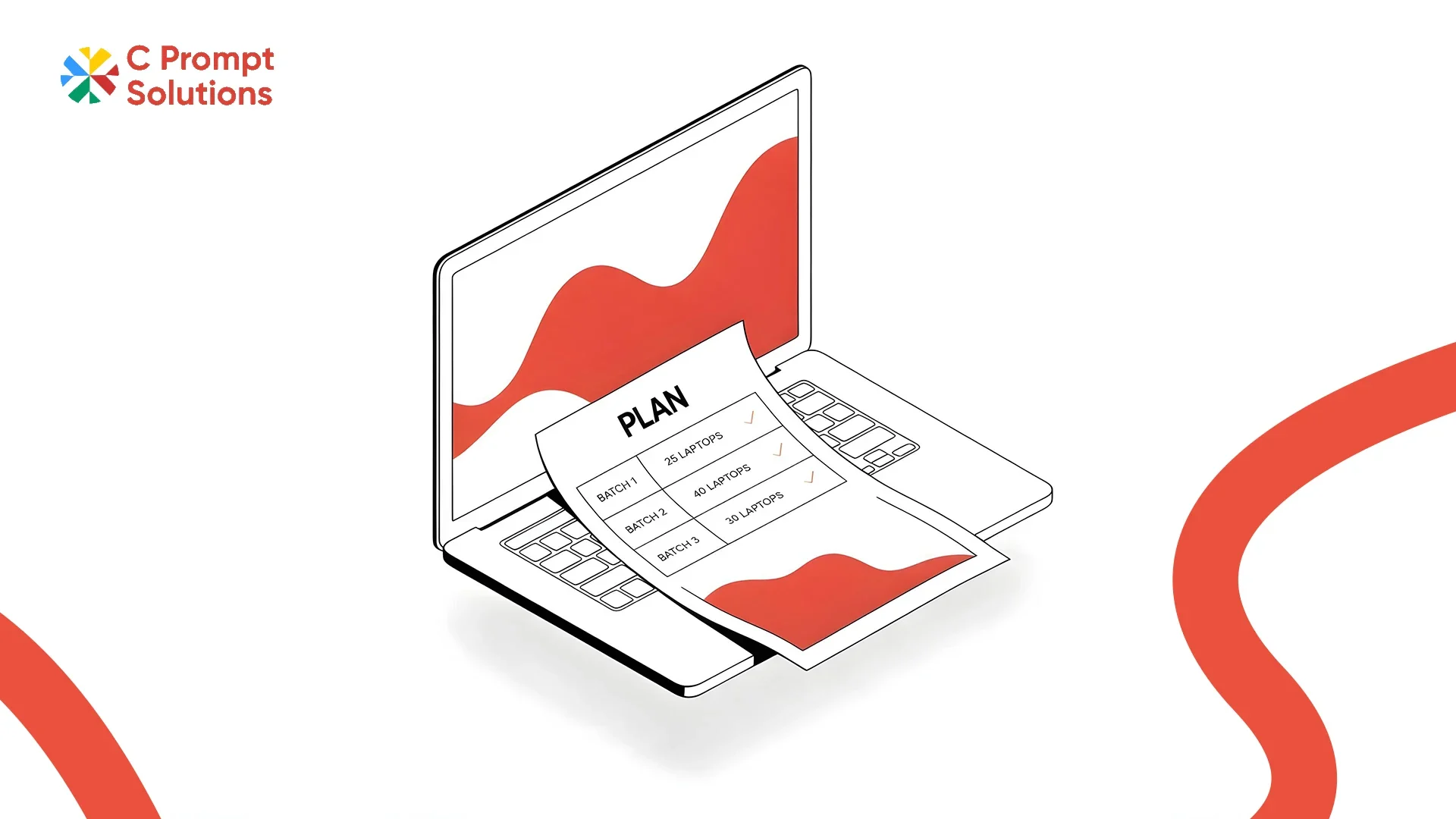
AICTE's Approval Process Handbook caps a standard batch, called a Division, at 60 or 30 seats for technical and computer application courses. A training institute that plans its laptop rental for training around that batch size runs a tighter rollout. One that guesses at the number and adjusts later usually pays more later. This guide walks through the fleet decisions that follow from batch size: term length, build, software, network load, and changeover between batches.
Batch Size Sets Everything Else
Batch size decides device count before anything else does. A 60-seat batch needs 60 identical machines, not 55 with five borrowed from another room. Round up slightly, not down. A spare device or two per batch absorbs a failure without pulling a laptop from an active session. Confirm the batch size with your rental vendor before requesting a quote, since spec and price both key off this number.
- Standard batch: 30 or 60 seats, per AICTE's Division norm for technical courses
- Round up by 2 to 3 devices per batch as a working buffer
- Confirm the exact count before the quote, not after
Match the Rental Term to Course Duration
Course duration should set the rental term, not the other way round. A six-week certificate course does not need a twelve-month rental. A postgraduate diploma running two years should not be re-quoted every three months. C Prompt's Monthly Rentals plan carries a floor of one month so that the term can track the course exactly. The fleet leaves when the batch graduates, not before or after.
Lock a Standard Build Before the Batch Starts
A standard build means identical processor generation, RAM and storage across every device in the batch. This keeps courseware behaving the same way on every machine. A lab where half the laptops run i3 chips and half run i5 will show timing differences during hands-on exercises. Those differences have nothing to do with a student's skill. Lock the build once, before the batch starts. Treat any mid-batch replacement as a same-spec swap, not an upgrade.
Courseware Needs Devices That Match Its Requirements
Courseware sets its own minimum spec. That spec should be checked against the rental quote before signing, not after the first class. A coding bootcamp running a local IDE and compiler has lighter requirements than a design course running rendering software. Confirm RAM and storage against the courseware vendor's stated minimum, with headroom for updates mid-course.
Exam Software Has Its Own Checklist
Exam software often needs a locked-down browser, disabled peripherals, or a specific screen resolution. None of this shows up in day-to-day coursework. Test exam software on the actual rented build during a pilot week, not on a personal laptop. Institute-issued devices sometimes need administrator rights the exam software assumes are unavailable elsewhere. Confirm this works before the exam date is fixed.
Network Requirements Scale With Lab Size, Not Course Content
Network requirements for a lab scale with device count, not with what the course actually teaches. Thirty devices downloading the same dataset at the start of a session will saturate a connection sized for casual browsing. Confirm bandwidth and Wi-Fi access point capacity for the full batch size, not for a handful of test devices, before the first live session.
- Size bandwidth for the full batch downloading at once, not average daily use
- Check Wi-Fi access point capacity, in addition to the internet line speed
- Test with the full batch connected before the course begins, not on day one
Standby Devices Cover Mid-Batch Failures
Standby devices, held in reserve and pre-imaged to the same standard build, cover a failure without stopping a live session. A student without a device mid-exercise loses the session, beyond the hardware itself. Two to three standby devices per batch of thirty to sixty is usually enough. Confirm this against the vendor's same-business-day replacement SLA for the cities the institute operates in.
Batch Changeover Needs a Wipe-and-Reimage Step
Batch changeover is the gap between one batch finishing and the next starting. Devices get wiped, re-imaged to the standard build, and checked for damage before the new batch begins. Build this into the rental schedule explicitly. A changeover treated as a formality tends to slip, and the next batch starts on devices still configured for the last one.
Running Morning and Evening Batches on the Same Fleet
Many institutes running a computer lab rental put a morning batch and an evening batch through the same room on the same devices. This doubles the importance of batch changeover, since devices need wiping and re-imaging twice a day rather than once between courses. Build a shift-change buffer of 30 to 45 minutes into the daily schedule, not only the term-end changeover. Confirm with your vendor whether standby devices are shared across both shifts or held separately for each. A fleet running two shifts sees roughly twice the wear of a single-shift room, worth raising when negotiating replacement terms.
GST and TDS Apply to a Training Fleet Too
Ask the vendor to show the applicable GST classification, rate and amount separately on the training-fleet invoice. Input tax credit is subject to statutory eligibility and conditions; business or GST registration alone does not guarantee credit. Qualifying rent payments to a resident for equipment may require 2% TDS, subject to the ₹50,000 threshold for a month or part of a month and the applicable payer/payee conditions. For payment or credit events on or after 1 April 2026, consult Section 393 of the Income-tax Act, 2025 and the Income Tax Department’s transition guidance. TDS is withheld from the vendor payment and deposited with the government; it is not another vendor charge. Confirm the treatment with your finance team, especially where the fleet is billed to a trust or society.
Computer Lab Rental and Laptop Rental for Training Institutes
Computer lab rental and laptop rental for training institutes describe the same service, one framed around the room and one around the devices in it. Both come down to the same fleet decisions: batch size, standard build, and a changeover process between batches. An institute running multiple courses through the year benefits from a monthly rental sized to whichever batch is largest. Standby devices cover the difference for smaller batches.
Frequently Asked Questions
How many laptops do I need for a training batch of 60 students?
Start with 60, plus 2 to 3 standby devices held in reserve. This buffer covers a mid-batch failure without pulling a working laptop from another student's session.
Can the rental term match a six-week course exactly?
Yes, on a monthly rental with a one-month floor. A six-week course typically runs as a two-month term, since most vendors bill in full months rather than partial weeks.
Does exam software need special devices?
Not special devices, but a confirmed configuration. Exam software often needs a locked-down browser or specific administrator rights. Test it on the actual rented build during a pilot week, not the week of the exam.
What happens between two training batches on the same fleet?
Devices go through changeover: wiped, re-imaged to the standard build, and checked for damage before the next batch starts. Build this step into the rental schedule so it does not get skipped under time pressure.
Can C Prompt handle a computer lab rental with different batch sizes across the year?
Yes. Monthly rentals with no seat minimum let an institute size the fleet to each batch. The count can adjust between courses, rather than committing to one fixed number for the full year.
Is GST charged separately on a laptop rental for training institutes?
Ask for applicable GST to be shown separately from the device rate. Confirm the current classification and rate with the supplier. Input tax credit depends on the institute meeting the statutory eligibility conditions; GST registration alone does not guarantee credit.
Laptop rental for training comes down to matching the fleet to the batch: size, term, build, and the changeover between one batch and the next. Get these right, and the rest of the checklist- network capacity, standby devices, exam software- falls into place around it.