
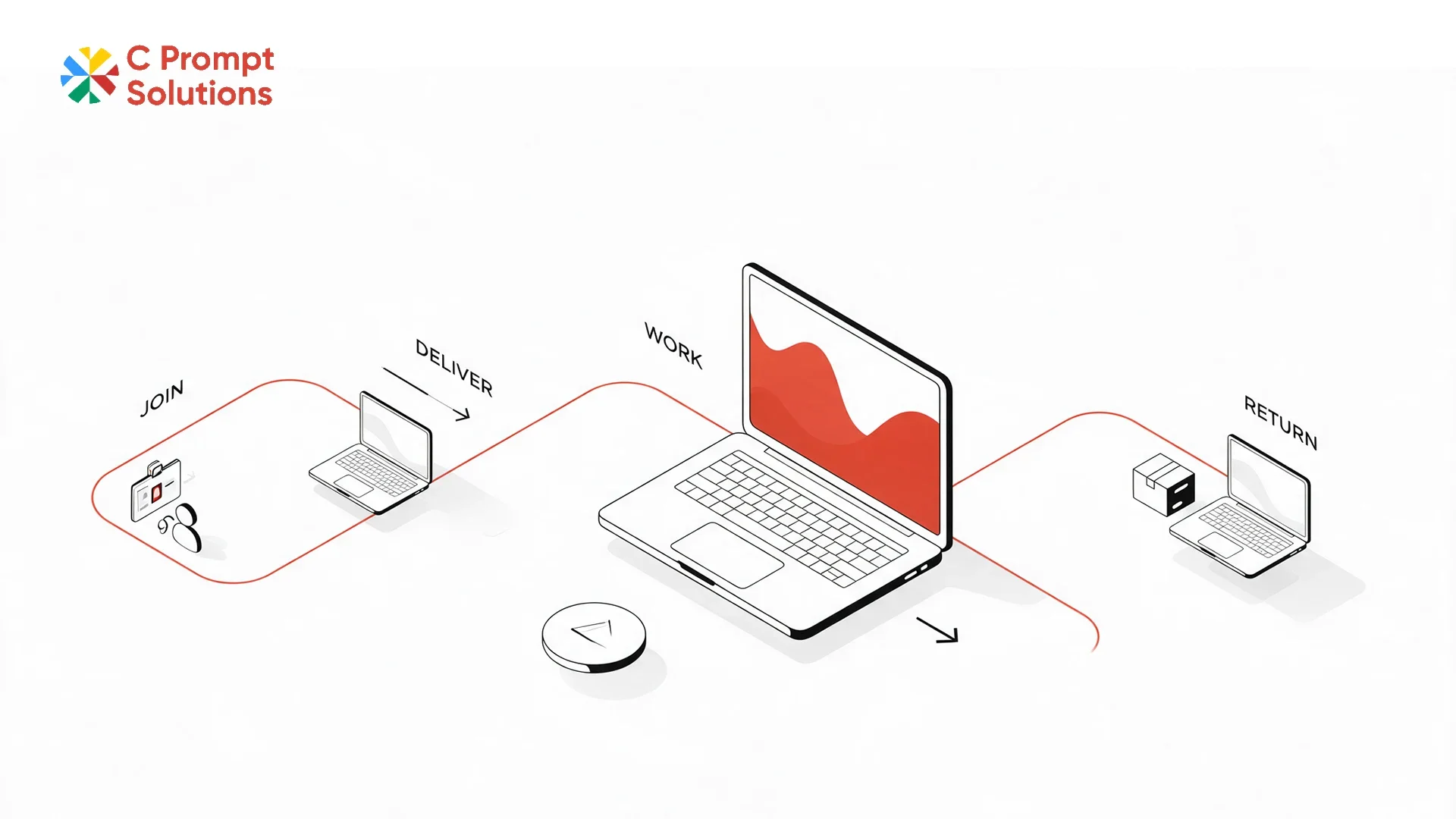
Section 160 of the Indian Contract Act, 1872 requires a bailee to return rented equipment once the agreed period ends, without a separate demand from the owner. A remote employee never sits in front of the vendor or the IT team. That return obligation, and everything before it, has to be handled by courier and paperwork instead of a walk to the IT desk. This guide follows a laptop rental for remote employees through six stages, from the new joiner's start date to the day the device comes back.
New Joiner Start Date Sets the Whole Timeline
The new joiner start date should be the anchor for every other date in a laptop rental for remote employees. Work backwards from it: delivery needs to land a day or two early, not on the morning the employee is meant to log in. C Prompt's Monthly Rentals plan confirms delivery SLA by city, since a metro hub and a smaller town can carry very different delivery windows.
Delivery Address Is Not Always the Office
A laptop rental for remote teams ships to home addresses, co-working spaces, and sometimes addresses that change between offer acceptance and joining day. Confirm the process for updating a delivery address after the order is placed, and how close to the delivery date a change can still be made. A locked address with no update path is a common cause of delayed first-day logins.
Employee Asset Assignment From Day One
Employee asset assignment should record which device, by serial number, went to which employee, from the day it ships. This is what HR and IT refer back to for support requests, for the eventual return, and for any audit of who holds which asset. An assignment record kept only in a spreadsheet updated occasionally falls out of date exactly when a remote workforce grows quickly.
- Serial number linked to employee name and department, recorded at dispatch
- Delivery address and date logged against that same serial number
- The record updated at every replacement, not only at the original assignment
A Preconfigured Laptop Replaces the IT Desk
A preconfigured laptop arrives with the operating system, security software and business applications already loaded. A remote employee has no IT desk to visit on day one. Confirm exactly what "preconfigured" covers with the vendor. Some include MDM enrolment and account sign-in; others stop at a base image and leave application setup to the employee.
Handover Record Replaces the In-Person Signature
A handover record confirms the employee received the device in working condition, standing in for the signature an office-based handover would collect in person. This can be a delivery photo, an OTP confirmation, or a short checklist the employee completes on first login. Without one, a damage or missing-item dispute later has no starting reference point. Keep this record against the same serial number used in the asset assignment log, so the two documents line up if a dispute ever needs both.
Remote Support When There Is No Desk to Walk To
Remote support on a laptop rental for remote employees needs to work without a desk to walk to. Phone, chat, or remote-access tools should cover most issues. None of these should depend on the employee shipping the device back for anything short of a hardware failure. Confirm the support channels and response times before rollout starts, not after the first employee reports a problem from three time zones away.
- Remote-access or chat support for software issues, without a device return
- A clear escalation path for hardware failures that need a physical swap
- Response time commitments stated for remote cases, not only on-site ones
Replacement Logistics for a Distributed Team
Replacement logistics on a laptop rental for remote employees run in reverse of delivery. A new device ships to the employee while the failed one is collected separately. This is faster than waiting for one courier trip to do both. Confirm the replacement SLA by city, since same-business-day swaps that work in a hub city rarely apply the same way in a smaller town.
Device Collection at Offboarding
Device collection needs a fixed pickup window once an employee's last working day is confirmed. It should not be an open-ended request to "return it when convenient." Confirm who initiates the pickup, and whether the employee needs to pack the device themselves. Also confirm what happens if the pickup attempt fails because the employee has already moved. A collection process without a fallback for a missed pickup tends to lose track of devices during high-turnover periods.
Data Security Once a Device Leaves the Office
A device shipped to a home address carries the same company data as one issued across an office desk. It arrives without the office network or physical security around it. Confirm the device ships with disk encryption and MDM enrolment active before dispatch, not configured after the employee has already logged in once unmanaged. Ask, too, how quickly a lost or stolen device can be remotely locked or wiped. The response window matters more for a device nobody in IT can walk over and unplug.
Laptop Rental for Remote Teams vs a Single Remote Hire
Renting laptops for employees scales the same way whether it is one remote hire or a distributed team of fifty. The device schedule, delivery process, and collection steps do not change. What changes at team scale is the volume of new joiner dates to track.
A consistent asset assignment record across every hire matters more than a one-off process improvised for each new employee. HR teams that simply search to rent laptops for employees joining from home often assume a separate process is needed. In practice, the steps are identical either way. Only the delivery address differs.
Billing and GST on a Laptop Rental for Remote Employees
Billing on a laptop rental for remote employees works the same as any other rental. GST applies at 18% under CBIC Notification 11/2017-Central Tax (Rate), shown as a separate line on the invoice regardless of how many delivery addresses the fleet spans. Once monthly rent to a single vendor crosses ₹50,000, Section 194-I requires 2% TDS to be deducted before payment. A distributed team does not change the tax treatment, only the number of delivery addresses on the same invoice.
Frequently Asked Questions
How early should a laptop arrive before a remote employee's start date?
One to two working days before, depending on the delivery city. Confirm the vendor's SLA for that specific city rather than assuming a national average applies.
What happens if a remote employee's address changes after the order is placed?
Most vendors allow an address update up to a cutoff point before dispatch. Confirm this cutoff and the process for requesting a change.
Does a preconfigured laptop include company software and MDM enrolment?
It depends on the vendor. Some include full MDM enrolment and account setup; others deliver a base image only. Confirm the exact scope before rollout.
How does remote support work without an IT desk nearby?
Through phone, chat, or remote-access tools for software issues, with a separate escalation path and courier-based swap for hardware failures.
What happens to the laptop when a remote employee leaves the company?
Device collection should be scheduled around the last working day, with a fixed pickup window and a fallback process if the first attempt is missed.
Is GST charged on a laptop rental for remote employees?
Yes, at 18%, shown as a separate line on the invoice, the same as any other laptop rental in India. Registered businesses can claim input tax credit on this amount.
Does it cost more to rent laptops for employees working from home than in an office?
Usually not. The device rate stays the same; the only difference is the delivery address and, occasionally, a courier surcharge for locations outside the vendor's standard delivery zones.
Can a laptop rental for remote teams include desktops or monitors too?
Yes, most vendors run laptops, monitors, docking stations and networking gear on the same contract and invoice, so a remote setup does not need a separate order for peripherals.
A laptop rental for remote employees runs through six stages: new joiner start date, delivery address, asset assignment, preconfigured setup, handover record, and eventually replacement or collection. Get the first three right, and the rest of the lifecycle is easier to manage, whether the team is one remote hire or fifty.