
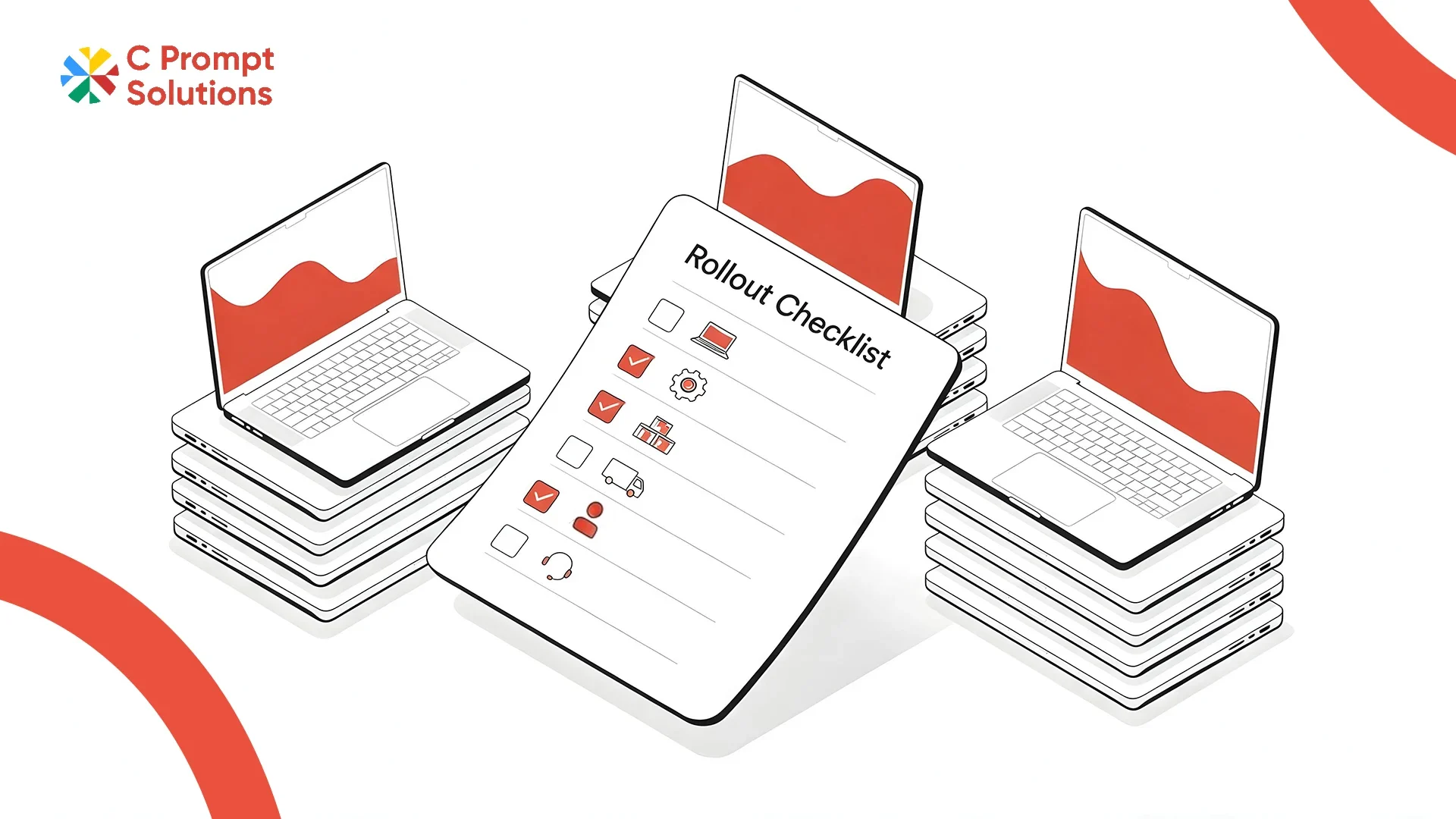
Schedule II of the Companies Act, 2013 sets the useful life of laptops and other end-user devices at just 3 years. That short a lifespan means early failures are built into the numbers, not a sign of bad luck. A rollout of 50 to 500 laptops rarely goes wrong because of a bad vendor. It goes wrong because nobody planned for the ordinary things: a few dead-on-arrival units, a batch that arrives before desks are ready, or a device nobody logged into an asset register. A bulk laptop rental rollout that plans for these in advance runs smoother than one that reacts to them as they happen.
This guide walks through the checklist, from device count to spare stock.
Start With Device Count by Role, Not a Single Spec
A flat order of identical laptops undercounts what some teams need. It also overspends on others. Break the order down by device count by role before requesting a quote. Developers and designers typically need higher RAM and dedicated graphics. Admin and support roles run fine on entry-level configurations. Splitting the order this way turns one large purchase into two or three smaller ones, each priced correctly for its workload.
- Engineering and design roles: higher RAM, SSD storage, discrete or integrated graphics as the work demands
- Sales and admin roles: entry to mid-spec configurations, lighter builds for travel
- Shared or hot-desk roles: a smaller pool of standard-spec devices, not one per employee
Lock a Standard Image Before the First Device Ships
A standard image is the base operating system, security software and business applications loaded onto every device before delivery. It is what makes a 200-device rollout behave like a single unit instead of 200 separate setups. Confirm with your vendor whether imaging happens at their facility before dispatch, or at your office after delivery. The first option means devices arrive ready to log in. The second adds a day of IT time per batch.
Run a Pilot Batch Before the Full Order
Order 5 to 10% of the total count as a pilot batch first, on the same image and configuration as the full rollout. Use it to run acceptance testing. Confirm the spec matches the quote, the image boots clean, and peripherals like docking stations work with the model shipped. A pilot batch that surfaces a configuration problem early saves a much larger fix once 300 devices are already on desks.
Stage the Dispatch, Don't Ship Everything at Once
For 50 to 500 devices, staged dispatch across two or three delivery windows is easier for IT to onboard than one large drop. Match the rollout schedule to your seating or team-formation plan. Devices for a new floor or a new team should arrive within a day or two of when people actually start. Ask your vendor to confirm delivery dates per batch in writing, not as a single end date for the whole order.
Keep an Asset Register From Day One
Every device should enter an asset register at the point of delivery. Record the serial number, the assigned employee, the location and the rental start date for that unit. This is what your IT team refers to during the pilot batch and checks throughout the rollout. It is also what you need when devices are returned or swapped later. A rollout without an asset register from day one is very hard to reconcile at the end of the contract.
What to log in the asset register for each device:
- Serial number and model
- Assigned employee and department
- Delivery location and city
- Rental start date for that specific unit
- Batch number, if devices arrived in stages
Order Spare Devices for the First Month
Bulk laptop rental orders benefit from holding 3 to 5% of the total count as spare devices. Keep these in reserve rather than assigning them to a specific employee. With laptops rated for just a 3-year useful life under Schedule II of the Companies Act, hardware issues tend to surface earlier in a device's working life than teams expect. Spares on hand for the first month avoid a scramble when the first few units fail. Confirm the vendor's replacement SLA for swapping a failed unit, and whether the swap draws from your spares first or from their own stock.
- Same-business-day swap for hub cities, next-business-day elsewhere, confirmed in writing
- A clear point of contact for reporting a failed device, not a generic support inbox
- Spare devices imaged to the same standard image as the rest of the fleet
Why City Coverage Decides Your Rollout Schedule
A rollout across one city moves differently from one spread across five. Local stock in the delivery city means devices ship in hours, not days. A city without local stock adds transit time to every batch, which changes how far apart your staged delivery windows need to sit.
C Prompt keeps local stock and field teams in 8 cities, with 24-hour delivery in those hubs and 2-day delivery anywhere else in India. Map your rollout cities against this kind of coverage before fixing a rollout schedule. The gap between hub and non-hub delivery times is usually longer than teams expect.
No Seat Minimum, So the Order Can Flex
A bulk laptop rental order rarely lands on the exact number quoted at the start. New hires push it up, and role changes shift the mix between spec tiers. Some global providers only take orders above 1,000 seats, which forces smaller rollouts into a different, less flexible model.
C Prompt's Monthly Rentals plan takes orders from a single device to a five-thousand-device estate, with no minimum threshold that forces you to round up or commit early. This matters most in the weeks after a rollout, when the actual headcount usually differs from the planning number.
Corporate Laptop Rental and Business Laptop Rental, Same Order at Different Scale
Corporate laptop rental and business laptop rental describe the same service at different scales. A ten-device order for a small team and a five-hundred-device rollout across multiple cities run on the same contract structure. Both use the same device schedule and replacement process. What changes at scale is the need for a rollout schedule, staged dispatch and an asset register. None of those matter much for a ten-device order, but they decide whether a 500-device rollout goes smoothly.
Frequently Asked Questions
How many spare devices should a bulk laptop rental order include?
Most rollouts hold 3 to 5% of the total device count as spares in the first month. Devices are rated for a 3-year useful life under Indian company law, so early failures, including dead-on-arrival units, are common in the first few weeks of use. This buffer covers them without waiting on a fresh order.
What is a pilot batch and why does it matter?
A pilot batch is a small subset, usually 5 to 10% of the order, shipped and tested before the full rollout. It surfaces configuration problems, like an image that does not boot cleanly, while the fix only affects a handful of devices instead of hundreds.
Can device specs vary within a single bulk laptop rental order?
Yes. Most bulk orders mix two or three configurations, split by device count by role. Engineering and design roles typically get higher-spec machines, while admin and support roles run on lighter configurations, all on one contract.
How long does a rollout for 200 or more employees usually take?
This depends on city coverage and whether the order is staged. With local stock in hub cities, a staged rollout of 200 to 500 devices typically completes across two to three delivery windows. That usually takes two to three weeks in total.
What happens if a device fails during the rollout itself?
A replacement should draw from the spare pool immediately, with the failed unit collected and sent for repair separately. Confirm this workflow with your vendor before the rollout starts, not after the first failure happens.
Does a bulk laptop rental order need a different agreement from a small order?
No. The contract structure stays the same at any device count, since it is one agreement with one schedule listing every device. What changes is the operational layer around it: the rollout schedule, the asset register and the spares buffer, none of which a ten-device order typically needs.
A bulk laptop rental rollout runs on five decisions: device count by role, a locked standard image, a pilot batch, a staged rollout schedule, and a spares buffer. Get these five right before the first device ships, and an asset register keeps the whole rollout traceable afterwards.